

Xiaomi Repair Tool (XRT) V3.0.0.5 — Free With Credit (100 Test Build)
Overview
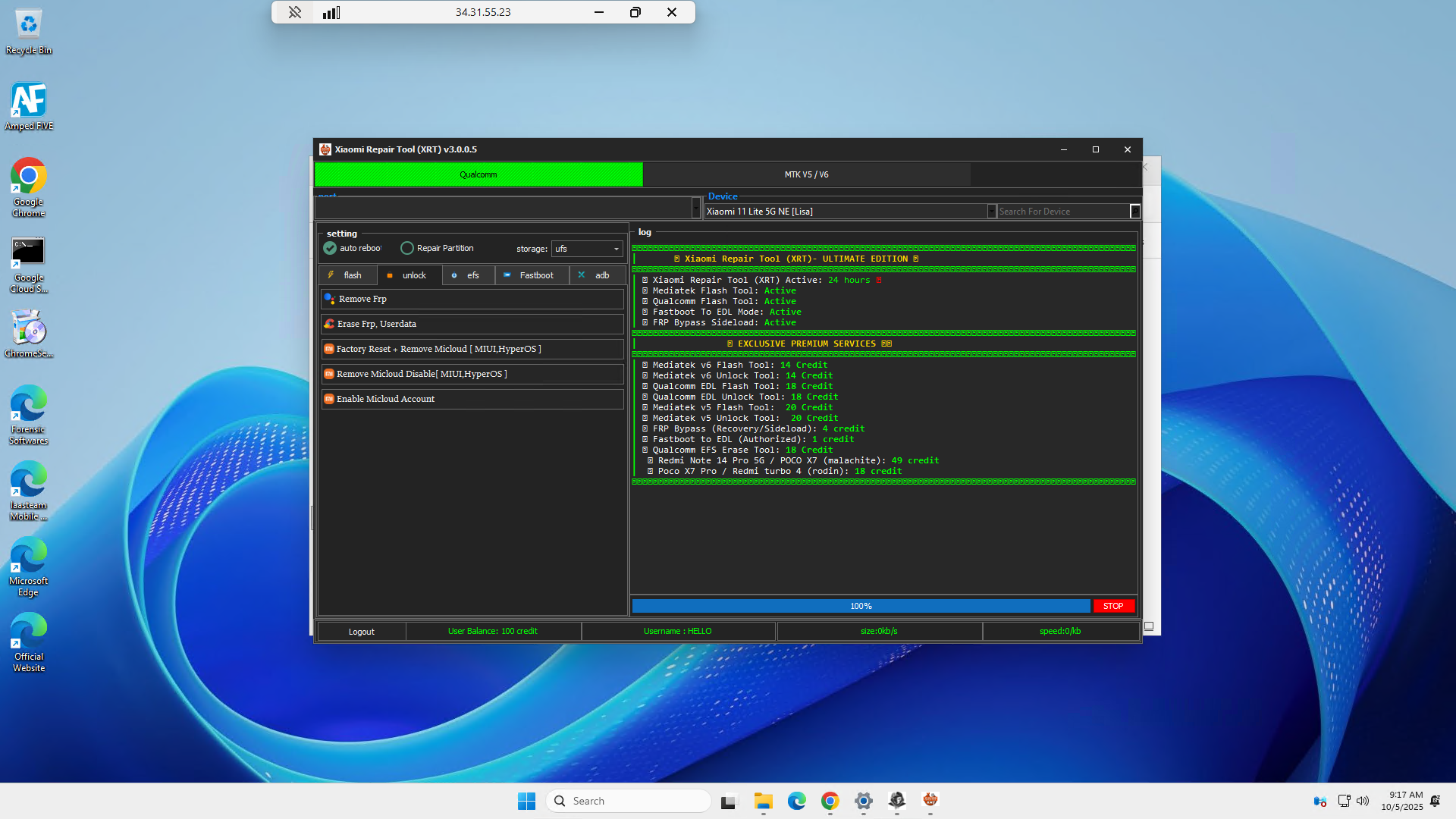
Xiaomi Repair Tool (XRT) V3.0.0.5 is an all-in-one desktop utility designed for shop workflows on Xiaomi, Redmi and POCO devices across Qualcomm and MediaTek chipsets. Depending on your connection mode (Fastboot, ADB/Sideload, EDL, or MTK BROM/Preloader), XRT exposes a targeted set of functions for flashing, reset/FRP, EFS maintenance, Mi Account–related service, and diagnostic port enablement. The interface emphasizes quick access, selectable DA for MTK, and toggles such as Auto Reboot, High Speed, Firmware Upgrade, and Force BROM to streamline repetitive tasks.
Important status & compliance notes
• The build is “Not tested” by our team; treat it as experimental and validate only on non-critical hardware first.
• Use only on devices you own or are expressly authorized to service. Follow all regional laws and OEM policies.
• Any credit-based, server-side actions must be performed with legitimate credentials and paid access where required.
Feature set
Qualcomm Mode (main screen)
Flash
– Write Flash
– Erase Partition
– Backup Partition
– Boot Devices
EFS
– Erase EFS
– Backup EFS
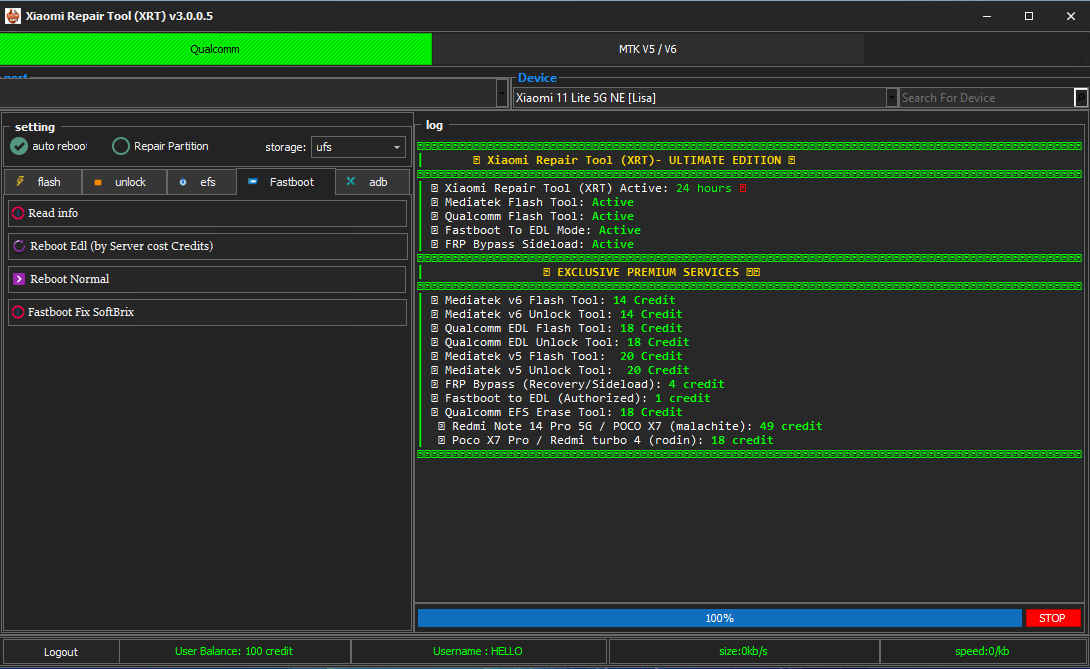
Fastboot
– Read Info
– Reboot EDL (server credits required)
– Reboot Normal
– Fastboot Fix SoftBrix
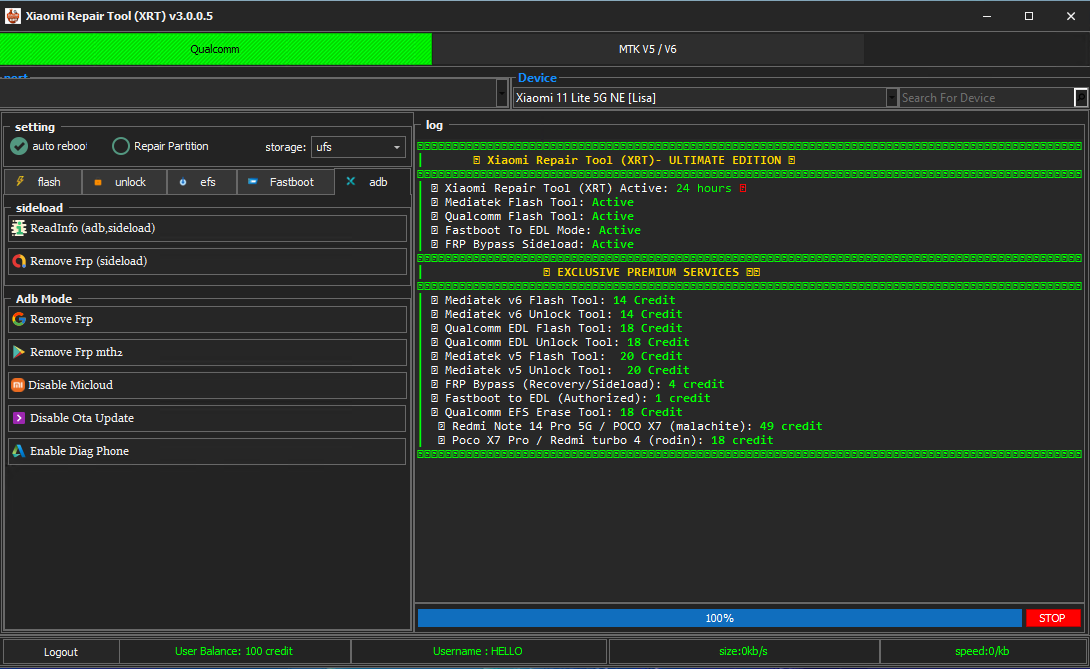
ADB
– Read Info (ADB, Sideload)
– Remove FRP (Sideload)
– Remove FRP (ADB Mode)
– Remove FRP method 2
– Disable MiCloud
– Disable OTA Update
– Enable Diag Phone
MediaTek Mode (MTK V5 / V6)
Flash
– Write Flash
– Erase Partition
– Backup Partition
– Boot Devices
Unlock (MTK-specific)
– Remove FRP
– Factory Reset + FRP
– Reset Mi Account + FRP
– Factory Reset + Mi Account + FRP
– Erase EFS (nvram, nvdata)
– Auth Bypass [v5] (use only where lawful/allowed)
Eng Preloader
– Write Eng Preloader (for supported workflows)
Sideload
– Read Info (ADB, Sideload)
– Remove FRP (Sideload)
Fastboot
– Read Info
– Fastboot Fix SoftBrix
– Reboot Normal
ADB
– Read Info (ADB, Sideload)
– Remove FRP (Sideload)
– Remove FRP (ADB Mode)
– Remove FRP method 2
– Disable MiCloud
– Disable OTA Update
– Enable Diag Phone
Common / General Settings
– Auto DA / manual DA chooser (MTK)
– Firmware Upgrade
– High Speed
– Auto Reboot
– Force BROM Mode (MTK)Suggested lawful workflow (high level)
