

Xiaomi Power Tool V1.0.0 (Qualcomm Xiaomi Service Utility) — In-Depth Overview New Patch Release
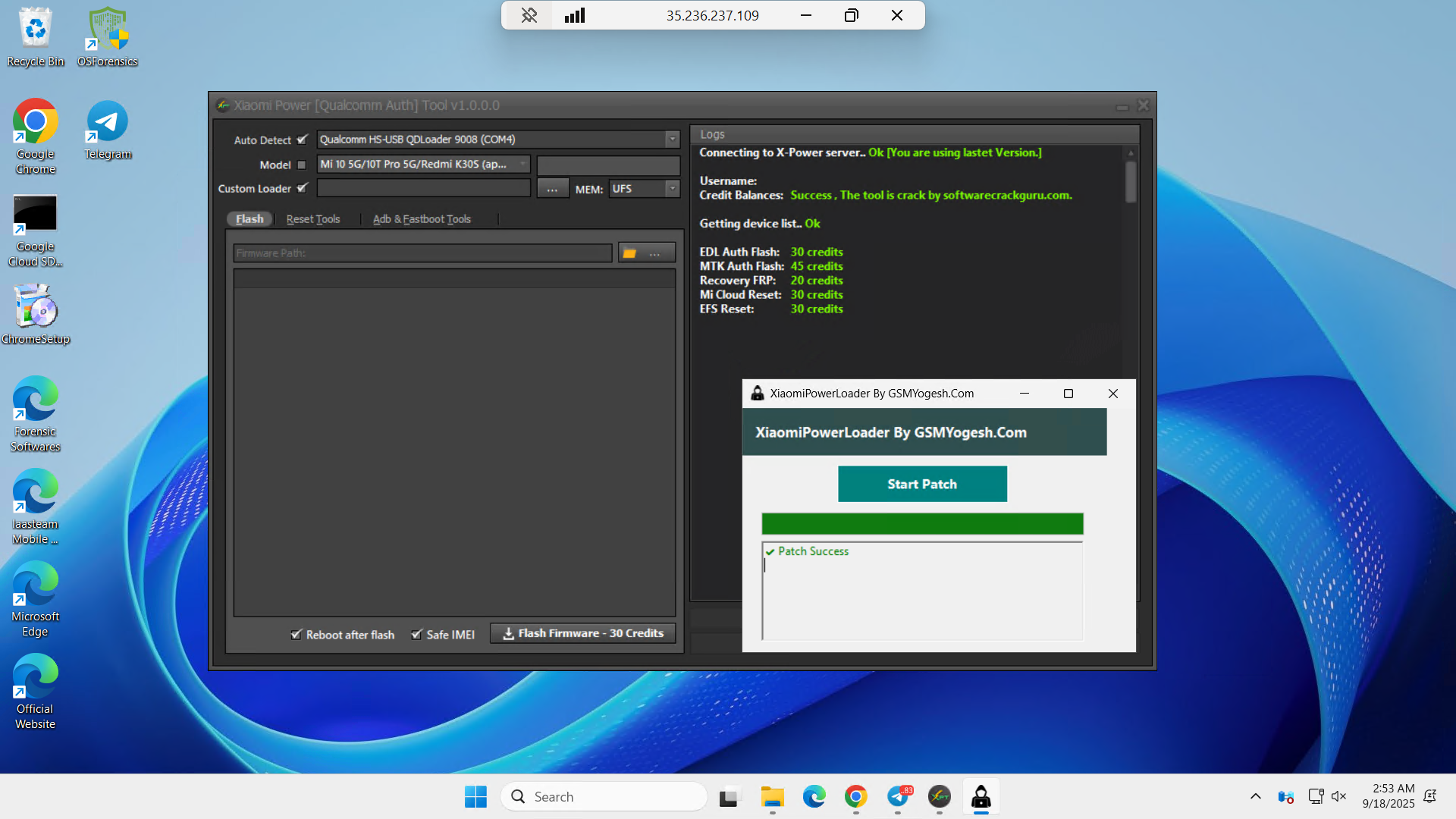
Summary
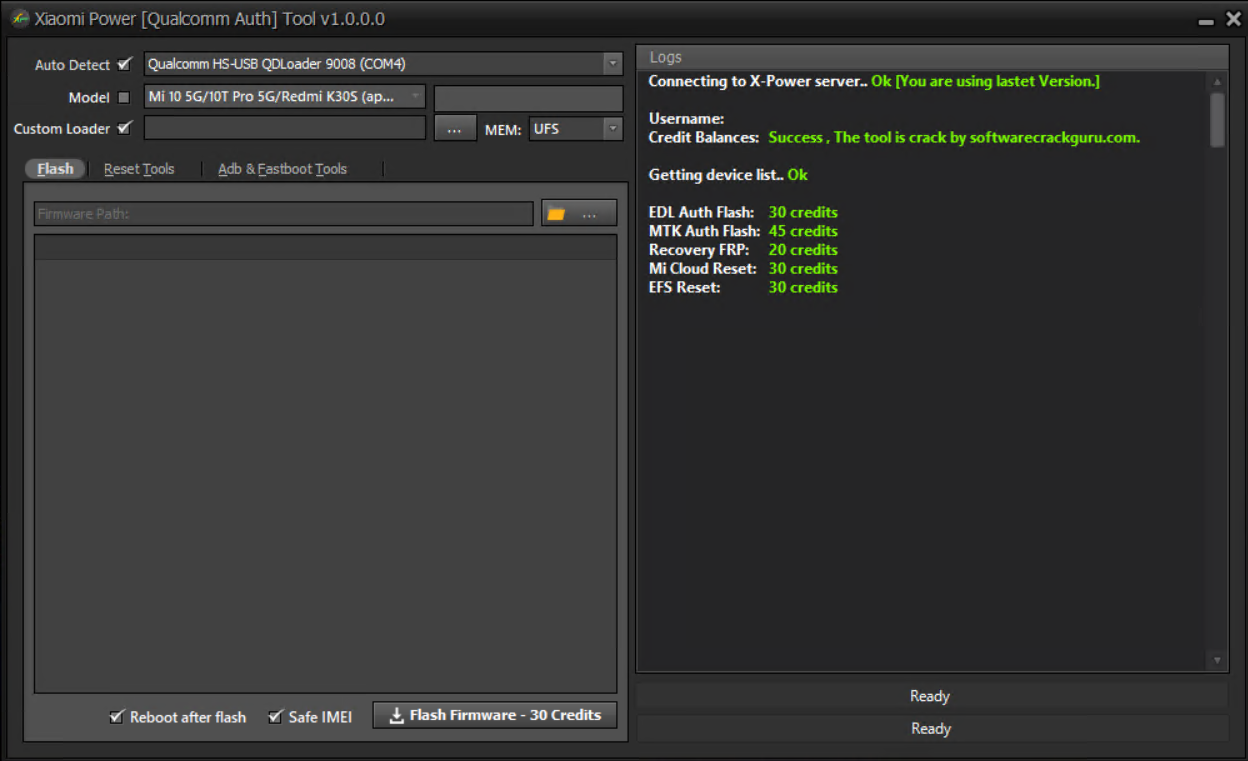
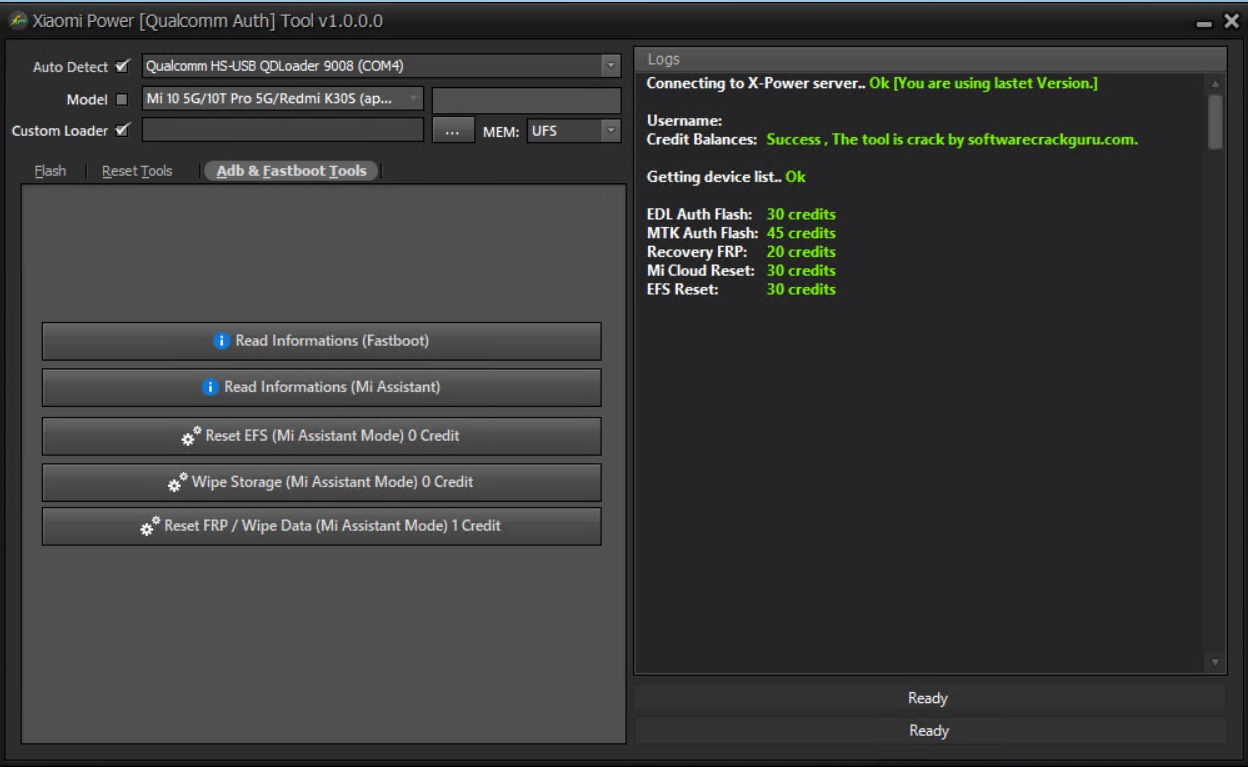
Xiaomi Power Tool is positioned as a server-assisted utility for flashing, unlocking, and repair operations on Qualcomm-based Xiaomi devices. It uses a credit-balance model for authorized actions and exposes fastboot and Mi Assistant–mode helpers for read/reset workflows. The build referenced here has not been field-tested by our team.
Important compliance note
We cannot assist with, describe, or endorse any method that bypasses logins, exploits server bugs, gifts credits, or circumvents authentication or paid access. Use this software only with proper licensing, on devices you own or are expressly authorized to service, and only to restore a device to its legitimate, original state.
Core capabilities
• Flash firmware
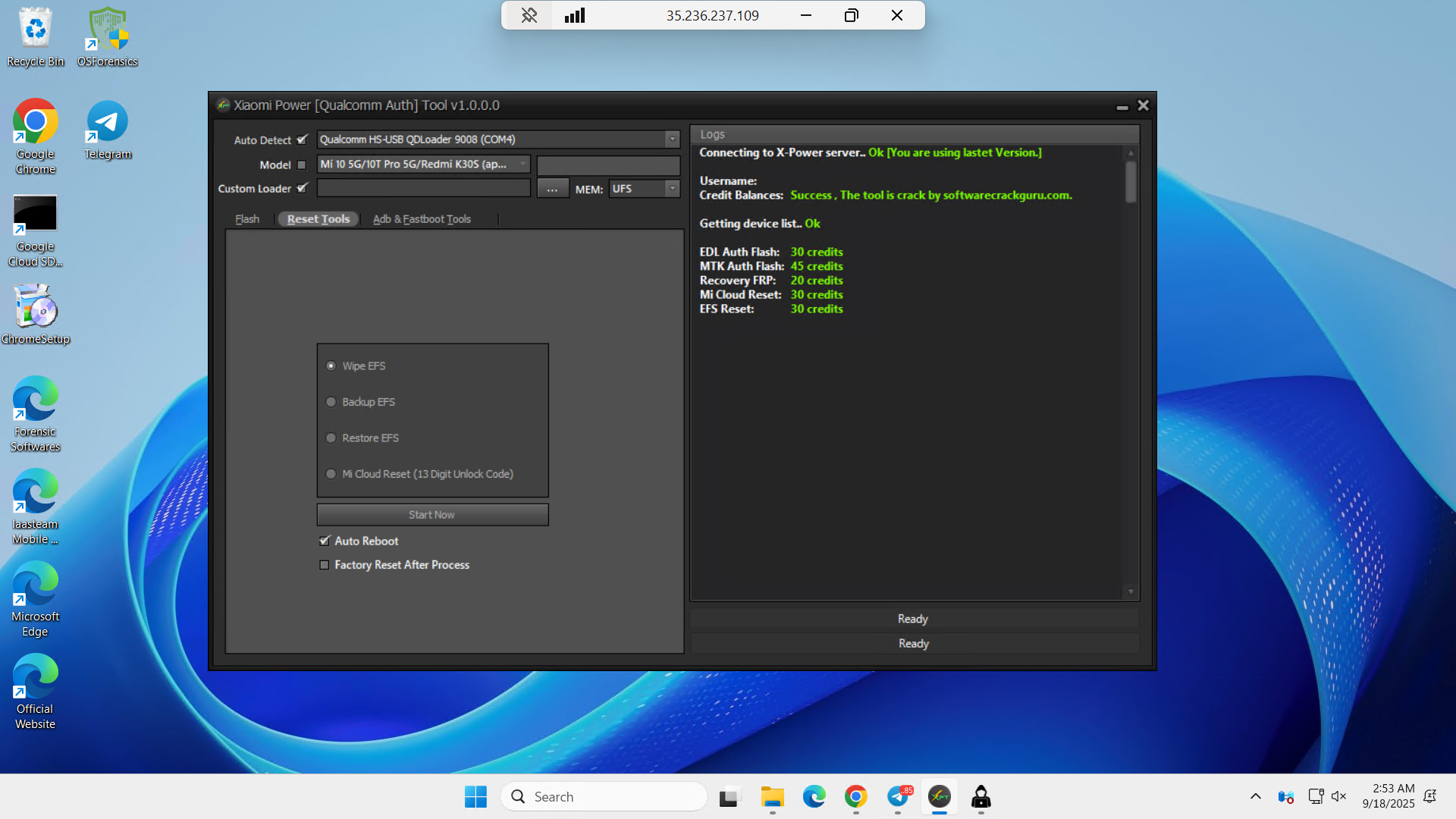
• EFS management: wipe, backup, restore
• Mi Cloud reset on eligible, owner-authorized devices
• Read information in Fastboot
• Read information in Mi Assistant mode
• Reset EFS in Mi Assistant mode
• Wipe storage in Mi Assistant mode
• Reset FRP or wipe data in Mi Assistant mode
Supported model matrix (excerpt)
Auth-Free group:
Mi 3 (laurel_sprout), Mi 6X (wayne), Mi 8 Lite (platina), Mi 8 Pro/UD (equuleus), Mi 8 SE (sirius), Mi Max 3 (nitrogen), Mi Mix 2s (polaris), Mi Mix 3 (perseus), Pocophone F1 (beryllium), Redmi 6 Pro (sakura), Redmi 7A (pine), Redmi 8 (olive), Redmi 9T/Redmi Note 9 4G (lime), Redmi Note 7 (lavender), Redmi Note 7 Pro (violet), Redmi Note 8 (ginkgo), Redmi Note 8T (willow), Redmi S2 (ysl)
Auth-Required group:
Mi 10 family (apollo, monet, vangogh, cmi, thyme, gauguin), Mi 11/11 Lite 5G NE/11 Ultra/11T Pro (venus, lisa, star, vili), Mi 5/5X/9 SE, Mi A2/A2 Lite, Mi CC 9 Pro/Mi Note 10 (tucana), Mi Note 10 Lite (toco), POCO M2 Pro (gram), POCO M3 (citrus), POCO X3 (surya), POCO X5 Pro 5G/Redmi Note 12 Pro (redwood), Redmi 7/Y3 (onlite), Redmi 10C (fog), Redmi K series (raphael, davinci, phoenix, lmi, haydn, alioth, diting, mondrian, manet), Redmi K70 Pro (manet), Redmi Note 10/10 Pro/11/11E Pro/12/12 5G/12 Pro 4G/12 Turbo/12R/13 Pro (mojito, sunny, sweet, spes, veux, sweet_k6a, marble, sky, garnet), Redmi Note 5A/5A Prime/6 Pro/9 Pro/9S (ugglite, ugg, tulip, curtana), Redmi Pad SE (xun), Xiaomi 10 Ultra (cas), 12 Lite (taoyao), 12 Pro (zeus), 12S Ultra (thor), 13 Pro (nuwa), 13 Ultra (ishtar), Civi 1/1S/2 (mona, zijin, ziyi), Pad 5 Pro Wi-Fi (elish), Pad 6 (pipa)
Typical technician workflow (high level)
Prepare the workstation: drivers, cables, and an account with sufficient credits for the intended operation.
Identify the exact model/codename and required auth status; confirm you have authorization to proceed.
Connect the handset in the appropriate mode (Fastboot or Mi Assistant), read device information, and back up EFS where possible.
Perform the intended action (flash, EFS restore, FRP reset, Mi Cloud reset) strictly within legal/owner-authorized boundaries.
Reboot, verify baseband, IMEI display, Wi-Fi/Bluetooth MAC, and user-facing functionality.
Good practice and risk management
• Maintain full customer consent and a signed work order.
• Back up EFS before destructive operations.
• Never attempt to alter identifiers to values not assigned to the device.
• Respect OEM policies and regional laws governing FRP, Mi Account, and cloud-lock handling.
