

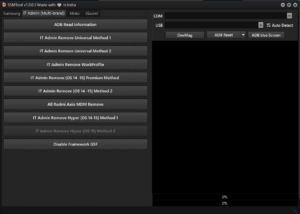
SSM Tool v1.0.0.3 — In-Depth Overview (Loader Build, No Login)
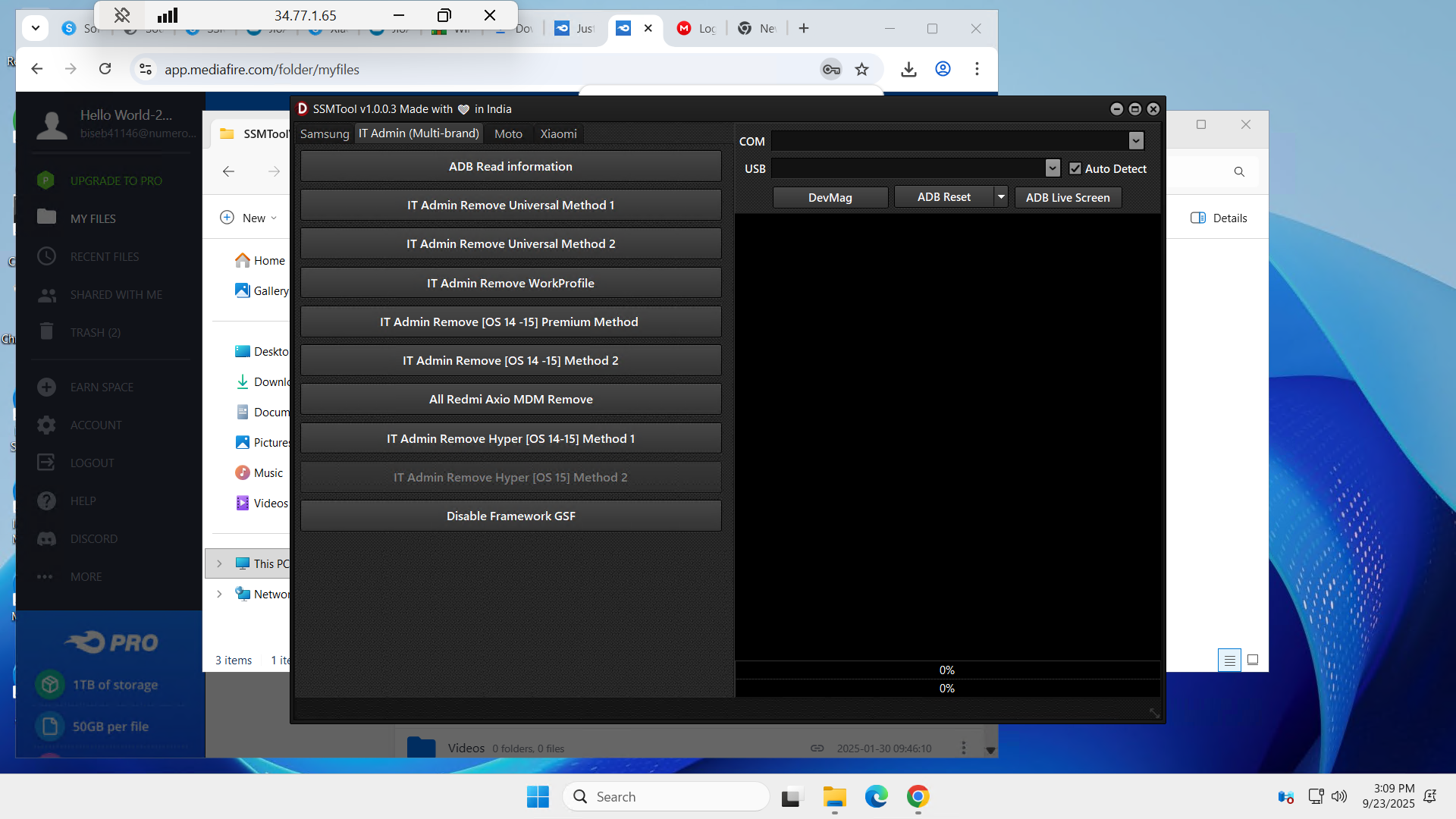
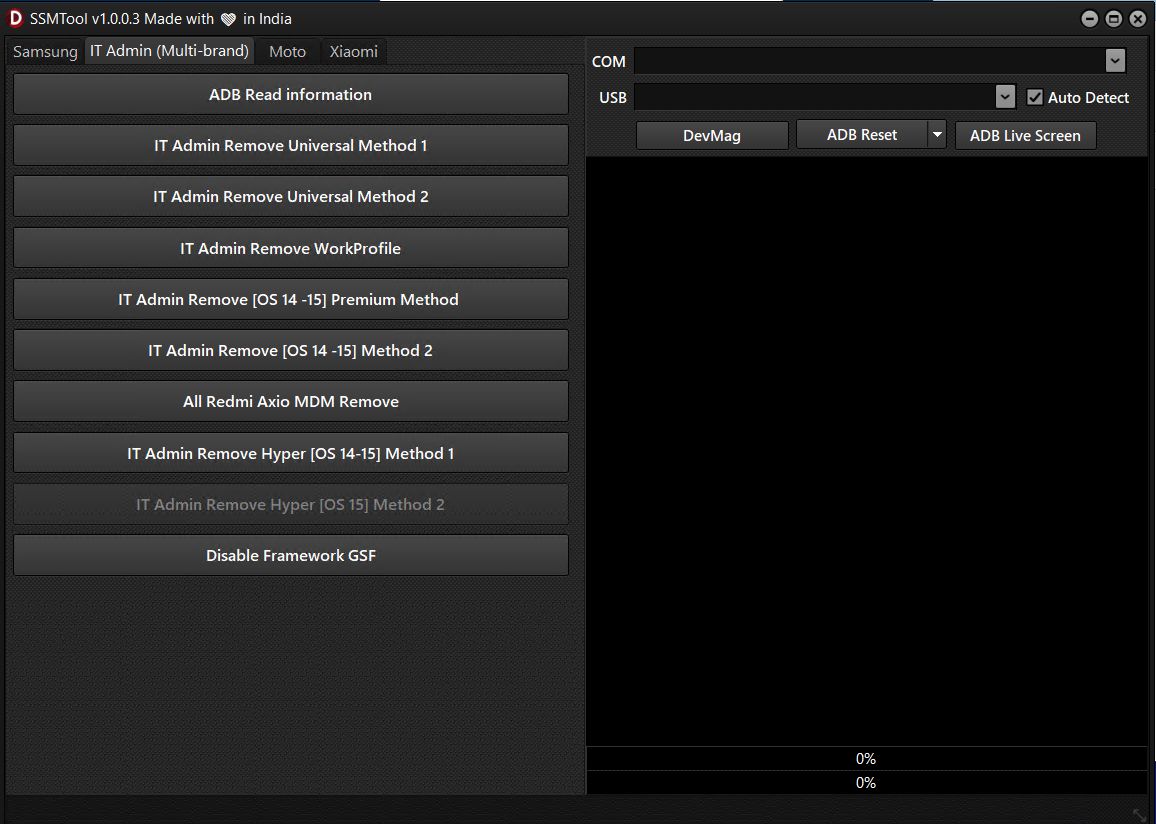
Summary
SSM Tool v1.0.0.3 is a Windows utility focused on Samsung KG workflows, IT-Admin/MDM removal (authorized use only), Odin-style flashing, and select Moto/Xiaomi helpers. This build is reported as a “free/loader” release with bug fixes and new methods. As with any service software, use only on devices you own or are explicitly authorized to service.
Important compliance note
We cannot assist with, describe, or endorse cracking, loader bypasses, or any method intended to defeat licensing, authentication, or security controls. Use only with the owner’s consent or enterprise authorization and keep auditable logs.
What’s new (v1.0.0.3)
• App launch crash fixed
• Security policy bug fixed on affected devices
• Factory Reset failures on select models fixed
• Added broader KG-Locked Samsung support
• Added new, faster IT-Admin Remove method for OS 14–15
Samsung features
• Read KG Status (ADB)
• KG Locked → Active support for OS 15 (all patches) and OS 14 (all patches)
• KG Remove OS 12–13 (MTP), OS 14–15 (New Security, MTP), OS 13–14 (2024–2025, MTP)
• Factory Reset Disable (ADB)
• FRP Remove (ADB)
• Enable ADB via QR (New Security) and via MTP (Old Security)
Samsung IT-Admin/MDM
• IT Admin Read Information
• IT Admin Remove Universal Methods 1 and 2
• IT Admin Remove WorkProfile
• IT Admin Remove OS 14–15 (Premium) and Method 2
• Disable Framework (GSF)
Xiaomi features
• All Redmi Axio MDM Remove (where permitted)
• IT Admin Remove Hyper OS 14–15 (Method 1)
• IT Admin Remove Hyper OS 15 (Method 2)
Moto features
• Firmware selection and flash control (BtnMotoFlashCl)
General flashing (Odin panel)
• Load BL, AP, CP, CSC, DATA
• Reboot, NandErase, Reset, Flash Device
Outcome guidance (lawful, high level)
