


RESQ & Law Enforcement
Data Recovery Services & Trainings for Law Enforcement Agencies
We are here to assist you.
Android-Data-Extractor
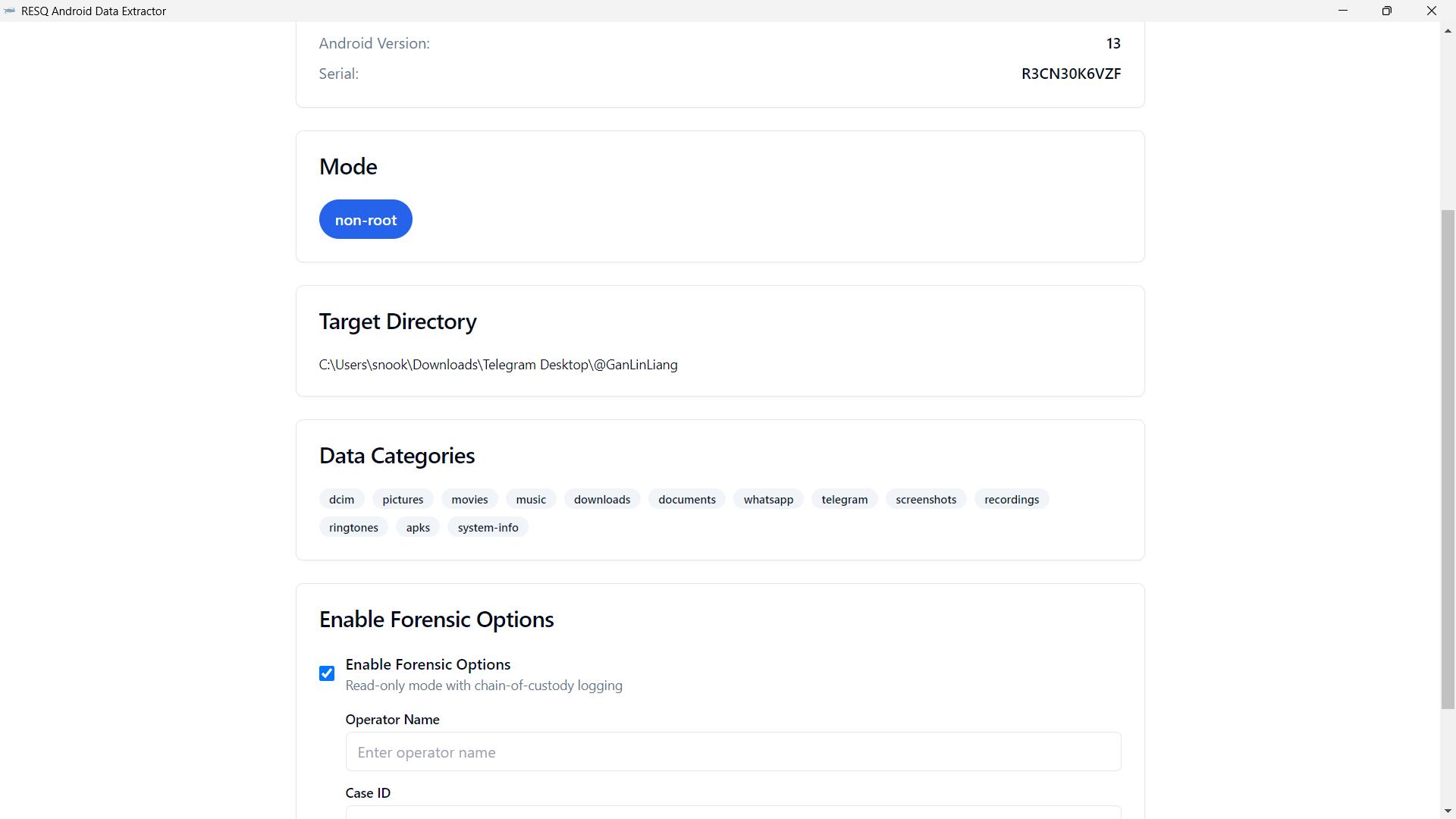

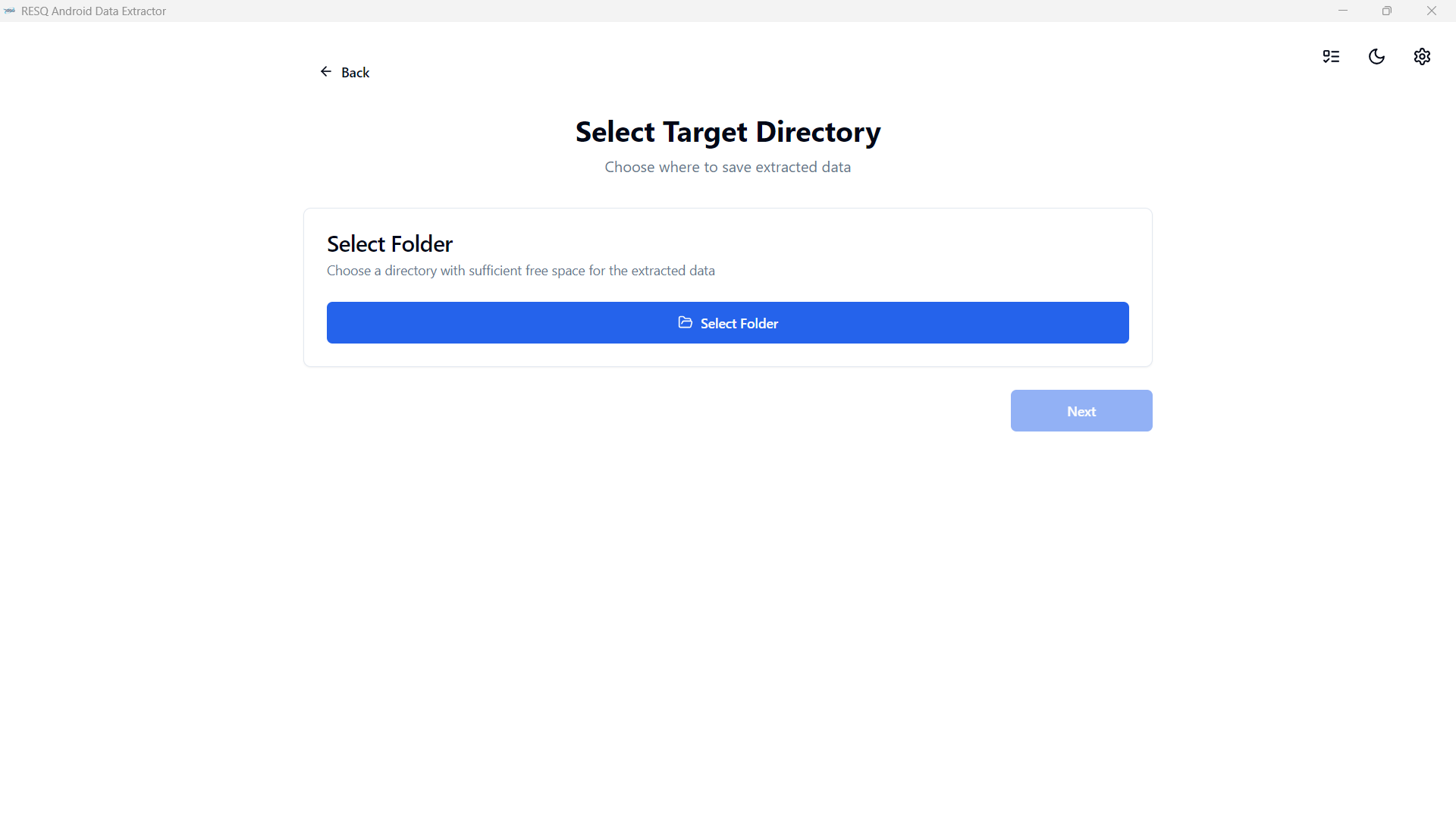
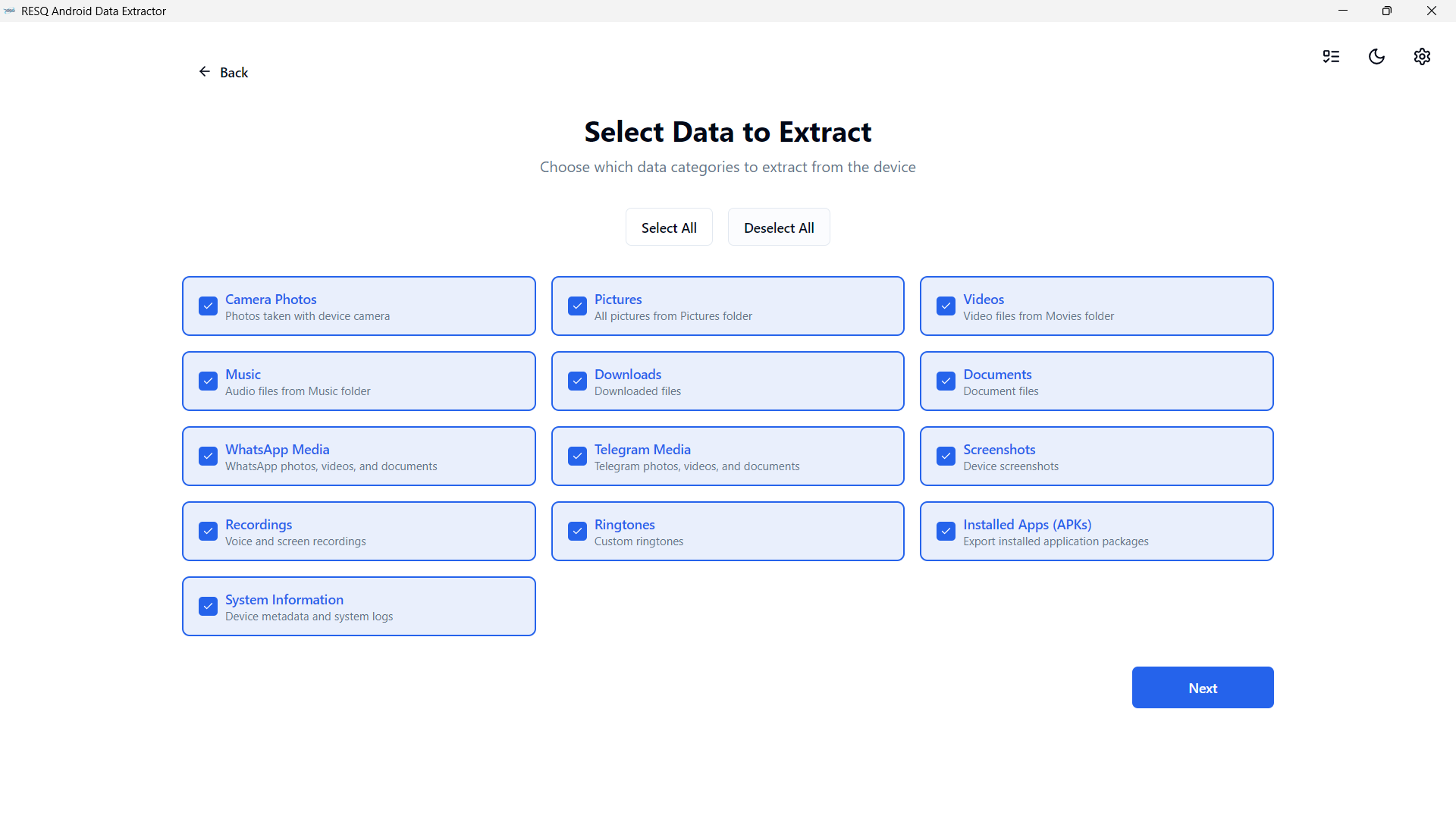
A Simple FrameWork to Extract Data from android devices. Android Data Extractor is the proposed system with a collection of forensic tools for smartphones. It performs read-only, forensically sound, non-destructive acquisition from Android devices. It has features, such as powerful Lock screen cracking for Pattern, PIN code, or Password; custom decoders for Apps data from Android & Windows databases for decoding communications. Extraction and decoders produce reports in HTML and Excel formats.
FEATURES:
• Automated data extraction and decoding.
• Data extraction of non-rooted without devices by Android Backup (Android versions 4.x, varied/limited support).
• Data extraction with root permissions: root ADB daemon, CWM recovery mode, or SU binary (Superuser/SuperSU).
• Data parsing and decoding for Folder structure, Tarball files (from android backups), and Android Backup (backup.ab files).
• Selection of individual database decoders for Android apps.
• Decryption of encrypted WhatsApp archived databases (.crypt to .crypt12, must have the right key file).
• Lockscreen cracking for Pattern, PIN, Password (not gatekeeper).
• Unpacking the Android backup files.
• Screen capture of a device’s display screen.
REQUIREMENTS:
Some of the fundamental requirements are:
• Android Device with Android version 4.0.0 or Above.
• USB cable.
• Android Data Extractor (proposed and Developed system).
• ADB (Android Debug Bridge).
SYSTEM DEPENDENCIES:
• ADB
• PYTHON3-TK
[Ubuntu/Debian] Install from Terminal:
• SUDO APT-GET INSTALL ANDROID-TOOLS-ADB PYTHON3-TK
[Mac] Install from brew cask:
• BREW CASK INSTALL ANDROID-PLATFORM-TOOLS
