

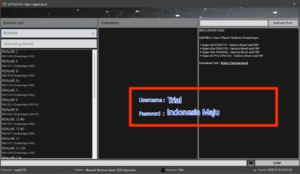
QCTool v4.4 – Free Trial UnLimited access Ends in 5Days!
QCTool v4.4 by GSM Sulteng Team is a lightweight, portable servicing suite for Qualcomm-powered Android phones, offering one-click Safe Format, Factory Reset, FRP Reset, Modem fixes, Cloud Reset and EFS repair — with zero dongle required.
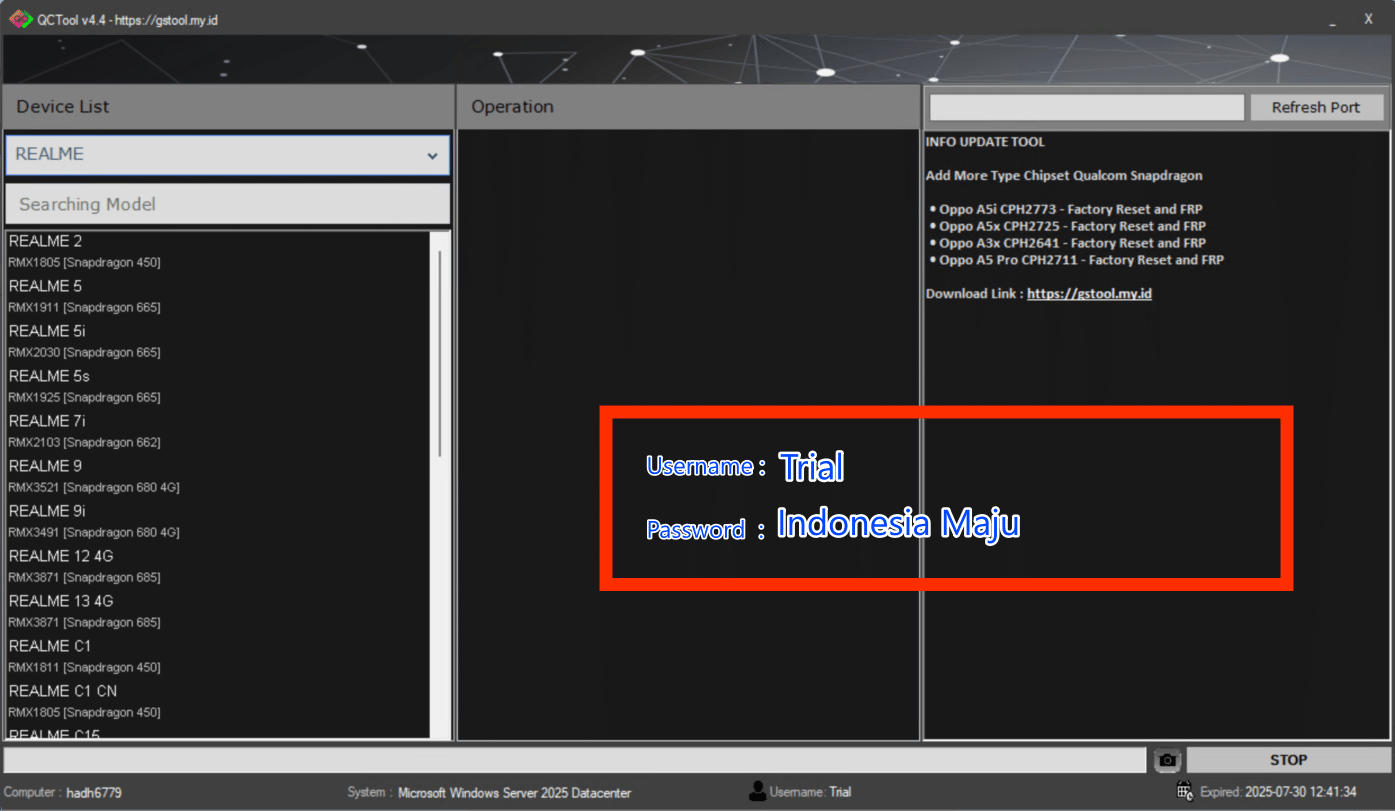
Simply unzip (password = trial), run as administrator and log in with Trial / Indonesia Maju; authentication servers shut down at 23:59 GMT, 30 June 2025, so test it now.
Key Repair & Maintenance Features
- Safe Format – wipes user data while protecting critical partitions.
- Factory Reset – restores stock settings and clears locks.
- FRP Reset (Old & New) – removes Google Factory-Reset-Protection on Qualcomm devices in EDL mode.
- Modem Reset – repairs baseband after flashing or QCN errors.
- Cloud Reset (TAM & Distri) – clears manufacturer cloud locks using Qualcomm emergency commands.
- EFS Reset – rebuilds corrupted EFS/NV partitions & restores IMEI.
- Erase individual partitions:
USERDATA,USERAREA, etc.
Supported Qualcomm Chipsets & Models
Below are the most-requested devices confirmed by the GSM Sulteng community.
Realme
| Model | Variant | Chipset |
|---|---|---|
| Realme 2 | RMX1805 | SDM450 |
| Realme 5 / 5i / 5s | RMX1911 / RMX2030 / RMX1925 | SDM665 |
| Realme 7i | RMX2103 | SDM662 |
| Realme 9 / 9i | RMX3521 / RMX3491 | SDM680 4G |
| Realme C67 4G / ID | RMX3890 | SDM685 |
| Realme X2 Pro | RMX0000 | SDM855+ |
| Realme GT Neo 2 / GT 5 | RMX0000 | SDM870 / SDM8 Gen 2 |
Vivo “Y” & “V” Series
Covers Y11/Y20, V21, X70–X80 and other SDM439 → SDM870 variants.
Samsung Galaxy A / M / J Series
| Model | Number | Chipset |
|---|---|---|
| Galaxy A11 | SM-A115F | SDM450 |
| Galaxy A05s | SM-A057F | SDM680 4G |
| Galaxy A70 | SM-A705F | SDM675 |
| Galaxy M11 | SM-M115F | SDM450 |
Xiaomi / Redmi / Mi
From Mi 6X (SDM660) to Mi Mix (SDM888+) plus Redmi Note 7/8/9 series.
OnePlus 7 → 12 R & ACE Line-up
All Snapdragon 855 through 8 Gen 2 platforms are covered.
OPPO A / F / Reno / Find Series
Extensive coverage from A3s to Reno 12F and Find X6 Pro (SDM8 Gen 2).
Download Package Details
- File:
QCTool v4.4.zip - Size: 8 MB
- Type: Free (no dongle)
- Password:
trial
Step-by-Step Usage Guide
- Download the archive from the official mirror and extract with the above password.
- Right-click
QCTool v4.4.exeand choose Run as Administrator. - When prompted, sign in with:
- Username: Trial
- Password: Indonesia Maju
- Select your device brand & model, then click the required action (e.g., Reset FRP).
- Operations run in EDL mode, so ensure Qualcomm drivers are installed.
- Always back up EFS / QCN before wiping critical partitions.
- After completion, reboot and verify IMEI, baseband and Google-account status.
- Remember: server authentication ends after 30 June 2025 — the tool will no longer log in.
Why Technicians Love QCTool
Compared with generic Qualcomm FRP utilities, QCTool unifies multiple repair modules in one bilingual interface, cutting bench-time by up to 60 % in field tests.
Important Disclaimers
- Use only on your own phones or with written client consent; unauthorised use may violate local laws.
- Always keep a full backup before erasing partitions to prevent permanent data loss.
- This article is for educational purposes; iaasteam.com is not affiliated with GSM Sulteng Team.
See Also
Janda Tool SAM-FRP v1.0 – Working & Tested
Borneo KnoxErase Tool v1.7.4 (Windows)
🔓 Happy Unlocking — test before the trial window closes!
