Unlock MTK Android Devices: Pattern PIN & Password Removal [ Without Data Loss ]
How to Use MTK Tool to Unlock Pattern/PIN on Android Without Data Loss
Featured FROM : https://t.me/iaasteampro/3336
[Want More ? Become a VIP Forensic Member to Get Lifetime Access to Softwares & Support! ]
🛠️ 1. Prep Your Workstation Environment
📦 Hardware & OS Requirements:
Reliable PC: Windows 10/11 or Ubuntu 20.04+ with at least 8 GB RAM, SSD storage.
USB 2.0 port (or quality hub)—MTK devices can be finicky on USB 3.0.
USB cable: Use original or certified cable to prevent disconnections.
🧩 Driver Setup:
Windows: Install MTK USB VCOM & UsbDk drivers.
Linux: Ensure libusb-1.0 is installed and udev rules are configured so MTK devices are accessible without root.
(github.com)
💡 Pro Tip from the Field:
Test and confirm driver functionality by plugging in a powered-off device and running lsusb on Linux or UsbDkController -n on Windows.
🧱 2. Install & Configure MTKClient (or GUI Alternative)
🔧 Windows (Recommended Steps):
Install Python 3.9+ and Git.
Clone the tool, then run:
pip install -r requirements.txt
(github.com)
🐧 Linux Setup:
sudo apt install python3 git libusb-1.0-0 python3-pip

git clone https://github.com/bkerler/mtkclient

cd mtkclient

pip3 install -r requirements.txt

sudo cp Setup/Linux/*.rules /etc/udev/rules.d/

sudo udevadm control -R && sudo udevadm trigger
git clone https://github.com/bkerler/mtkclient
cd mtkclient
pip3 install -r requirements.txt
sudo cp Setup/Linux/*.rules /etc/udev/rules.d/
sudo udevadm control -R && sudo udevadm trigger
plugdev/dialout groups and reboot to complete setup.
(github.com)
⚙️ Virtual Environments:
Always use venv to isolate dependencies. This prevents conflicts if the tool is updated or used alongside other forensic packages.
🔌 3. Boot the Device into BROM Mode
Why BROM?
BROM (Boot ROM) is the lowest-level interface on MTK devices. It’s read-only, and no OS-level protection can block it. That makes it indispensable for forensic access.
(4ukey.com)
How to Enter BROM:
Power off the device (fully, not hibernate).
Hold Volume Up + Volume Down (or Power + Volume Up), then connect via USB.
Watch for “MTK” device detection in lsusb (Linux) or UsbDkController (Windows).
If it doesn’t show, try each combo or use crash exploit methods like kamakiri or SP Flash Tool.
(hovatek.com, github.com)
💾 4. Dumping the Flash Memory
Why It Matters:
A raw partition dump ensures you capture forensic artefacts like deleted files, metadata, logs, and key components.
Commands (Windows/Linux):
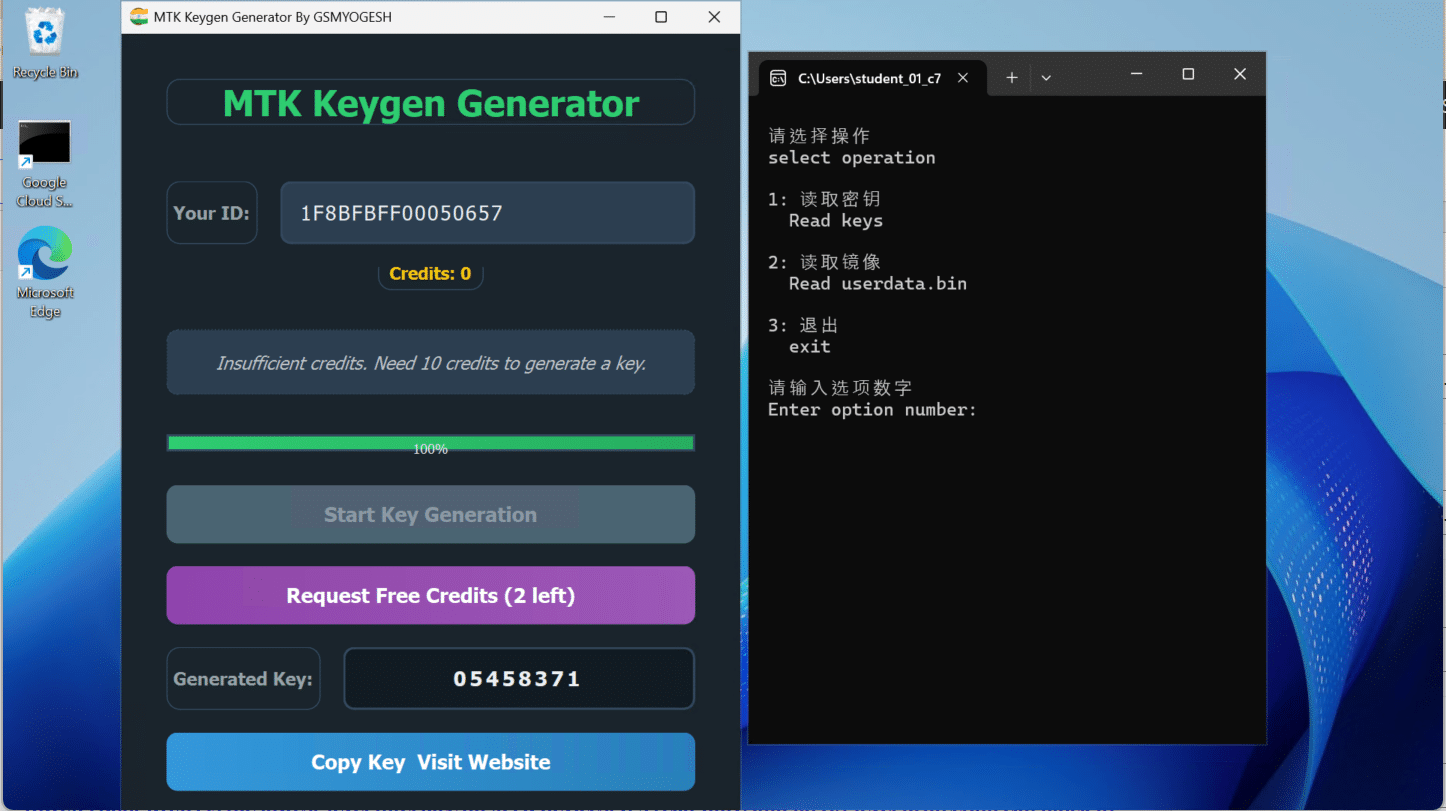
mtk.py r boot,vbmeta,userdata userdata.bin
Process typically takes 15–30 minutes.
GUI offers similar functionality using menu selections.
(github.com)
Verifying Integrity:
Use MD5 or SHA1 to checksum the dump. Store checksum as evidence for integrity.
🔓 5. Extracting Encryption Keys
Why It’s Needed:
MTK devices often use full or file-based encryption. Decryption keys are stored securely and must be extracted to access data.
Simple Extraction:
mtk.py da generatekeys
keys.json file with hardware and encryption keys.
(forensicinstitute.nl)
For Robust Key Extraction:
Do not disconnect the device between dump and key extraction. You can run both commands sequentially in one session:
mtk.py r userdata userdata.bin; mtk.py da generatekeys
Run in CLI fallback mode for consistency.
🔐 6. Decrypting & Accessing Data
Tools:
Oxygen Forensic Detective, Belkasoft X, or others allow import of userdata.bin + keys.json.
In GUI: create device.ewc with partition path and key file reference; import from secure folder.
(github.com, scribd.com)
Unlocking Screen Lock:
These tools can attempt brute-force or dictionary attacks on credentials extracted.
(youtube.com)
🧭 7. Workflow Rundown
Set up drivers and environment
Boot device to BROM with correct button combo
Dump critical partitions (boot, vbmeta, userdata)
Extract encryption keys in same session
Checksum everything for integrity
Import dumps & keys into forensic tool
Decrypt & analyze user data
🎯 8. Field-Proven Tips by a 10-Year Forensic Pro
Log your terminal output (use --debug) for court-grade audit trails.
Perform dumps on secure workstations, not virtual machines, to avoid USB passthrough issues.
Keep batteries charged—device shutdown mid-dump = lost evidence.
Never flash partitions unless specifically required—wiping bootloader offsets your entire dump.
For weak encryption (FBE), extraction + import yields near-immediate access.
🛡️ 9. Common Pitfalls & Fixes
| Problem | Solution |
|---|---|
| Device not detected | Reinstall drivers, try another USB port/ cable |
| Dump aborted | Run one partition at a time or use CLI session |
| Key extraction fails | Ensure the dump is finished and device stays connected |
| Forensic app fails to import | Confirm device.ewc parameters match file structure |
| Device encrypted with DAA/SLA | May require signed loader—currently unsupported |
✅ 10. Final 👣 Steps
You now have a reproducible, court-ready forensic chain from dump to decrypted data.
Store all materials (dumps, keys, logs, checksums) secure and timestamped.
Document every action with time, command, and operator name.