

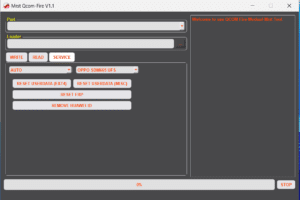
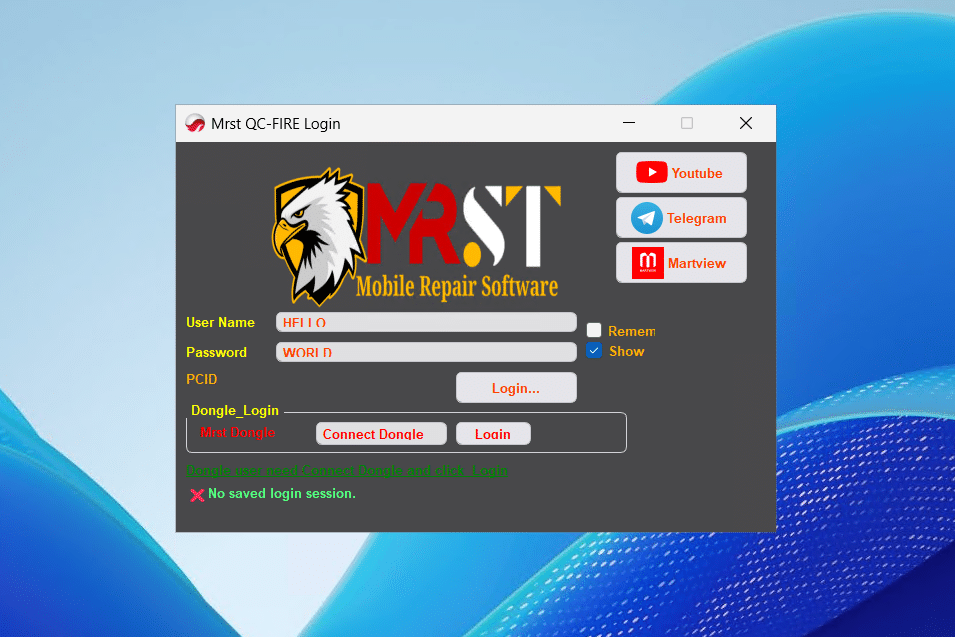
[UPDATE] MRST QC Tool v1.1 – New Oppo/Realme Method Added – FREE Activated
OVERVIEW
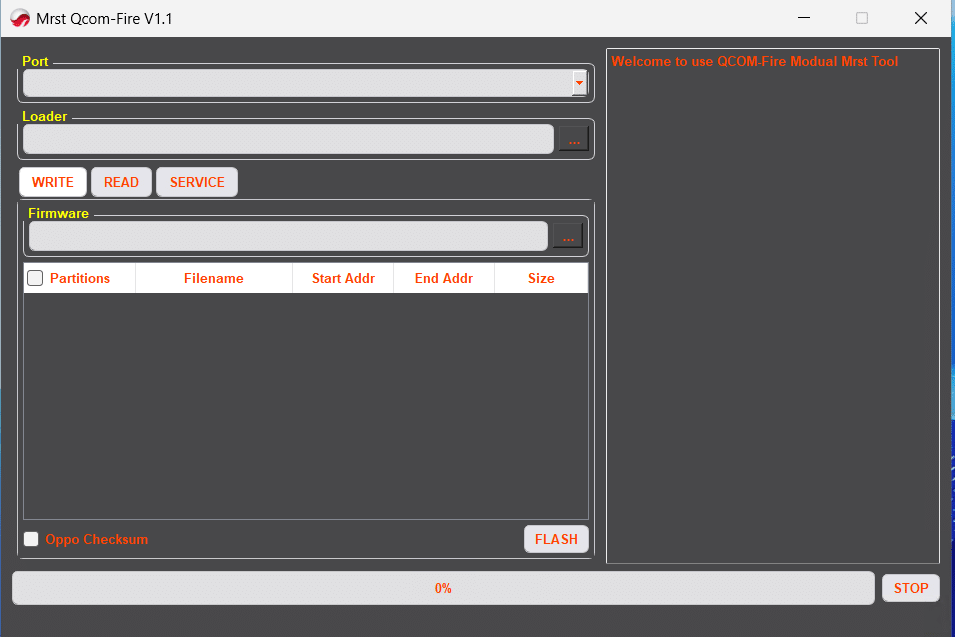
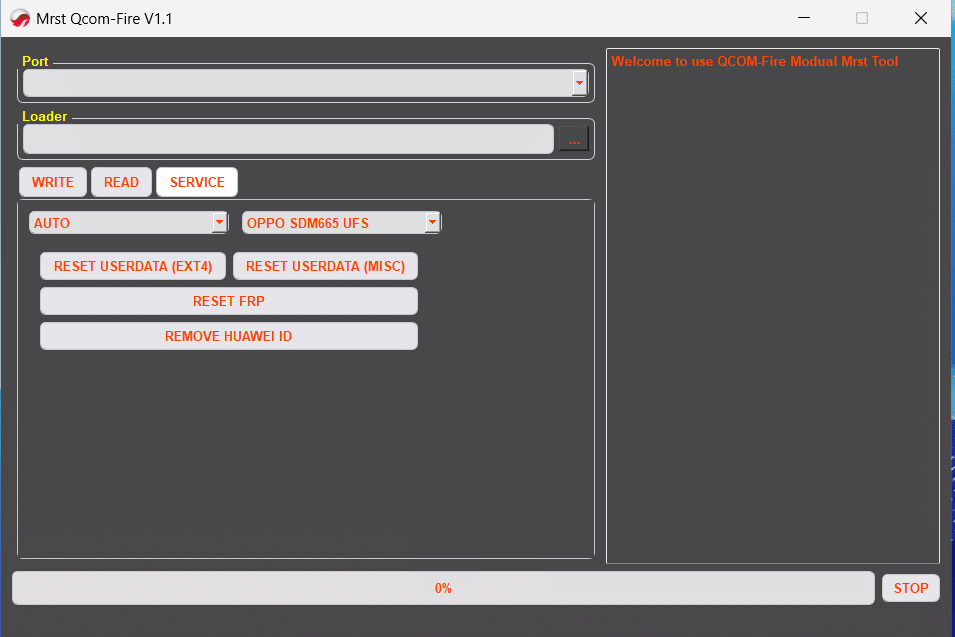
MRST QC Tool v1.1 introduces a fully automated Oppo/Realme workflow for selected Qualcomm chipsets. The new method removes the usual manual steps: you select “Oppo/Realme (New Method)” from the brand list and the tool manages handshake, loader selection (auto), and operation flow. It’s built for speed and stability in real-world service centers and remains license-free with no yearly renewal.
WHAT’S NEW IN V1.1
• Oppo/Realme (New Method): one-click, fully automatic
• No manual connection needed: the tool handles port detection and steps
• Faster, more stable sessions with clear status messages
• Manual Method remains available: you can still select a loader yourself; more loaders will be added over time
SUPPORTED QUALCOMM CHIPSETS
• Snapdragon 665
• Snapdragon 710 / 712
• Snapdragon 730
TESTED AND SUPPORTED MODELS
OPPO
• A5 2020 (CPH1931)
• A9 2020 (CPH1937)
• A11 / A11N / A11X
• A72 (CPH2067)
• A92 (CPH2059)
• K5 (PCNM00)
REALME
• Realme 5 (RMX1911)
• Realme 5i (RMX2030)
• Realme 5s (RMX1925)
• Narzo 20A (RMX2050)
• Realme X2 (RMX1991)
Note: Any additional models using SD665/710/712/730 may also work; coverage depends on platform/security patch.
NEW UI IMPROVEMENTS
• Brand icons with model image preview for quick identification
• Tested/Untested tag on each model to guide risk assessment
• Auto log viewer that shows each connection stage and action taken
• Dark UI with neon-blue accents for better contrast and long sessions
WHY THIS MATTERS FOR SHOPS
• Fewer failed attempts: automated loader/handshake reduces human error
• Clear, auditable logs: easier to attach to job tickets
• Faster throughput: pick brand → run method → finish
• Flexible fallback: switch to Manual Method when you need a custom loader
BASIC WORKFLOW (HIGH-LEVEL)
Open MRST QC Tool v1.1 and choose the Oppo/Realme (New Method).
Select the exact model (watch the Tested/Untested tag).
Start the operation; the tool will auto-negotiate and proceed.
If the platform requires a specific loader that isn’t yet in auto, use Manual Method and pick the loader yourself.
TROUBLESHOOTING TIPS
• If auto fails on an “Untested” model, retry with Manual Method and a known-good loader.
• Use a short, quality USB-C cable on a rear motherboard port for stable transfers.
• Disable conflicting drivers or tools that might hook the same COM interface.
LICENSING AND POLICY
• No yearly renewal required.
• Use only on devices you own or are authorized to service. Follow all applicable laws and OEM policies. This tool is intended for legitimate after-sales repair and recovery.
DOWNLOAD AND SUPPORT (COPY/PASTE LINKS)
• IAASTEAM listing and updates: https://iaasteam.com
• Official MRST QC Tool update link: [insert your official download or support page]
• Google Drive mirror: [insert your Google Drive link]
FEEDBACK AND TEST REPORTS
Share logs, device variants, and results to help expand the Tested list. Contact the support team via your usual MRST channel.
TAGLINE
MRST – Unlocking The Future
