

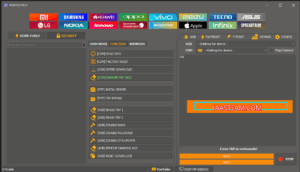
🚀 MDM FIX PRO — MAIN FEATURES (Free • Login Added • Multi-Brand Service 2025)
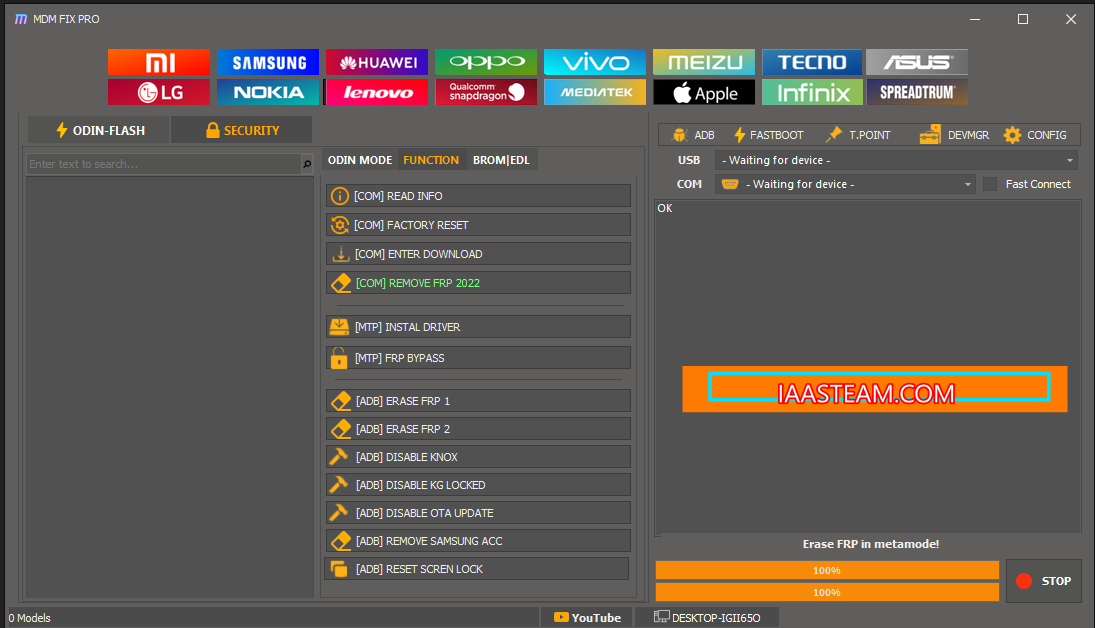
⚡ Multi-brand tool covering Qualcomm, MTK, Samsung, Xiaomi, PAC, and iOS workflows in one panel
⚡ Qualcomm area: EDL flash, FRP erase, factory reset, QCN and NV backup/restore
⚡ MTK corner: old/meta/universal modes, FRP, format, unlock, flash and IMEI tools
⚡ Samsung tab: Odin mode flash, ADB/MTP FRP bypass, MiCloud reset and sideload
⚡ Xiaomi support: Mi Flash, MiCloud reset, sideload and boot repair
⚡ iOS area: Ramdisk creation, DFU fix, passcode and activation-related utilities
⚡ PAC operations: FRP, flash and IMEI DIAG for SPD/Unisoc devices
⚡ ADB/Fastboot: device info, reboot options, factory reset, bootloader repair and slot switch
⚡ Built-in DIAG tools for IMEI read/write and network calibration
⚡ New clean interface with brand shortcuts, live logs and quick connect options
🧰 Installation & Activation
1️⃣ Run MDM FIX PRO UNLOCK TOOL Beta.exe as administrator
2️⃣ Extract Unlock_Tool_MDM_FIX_Login.rar
3️⃣ Run the patch EXE → click Activate Now → wait for “Patch Activated”
4️⃣ Launch tool → enter username + password → tick Remember Me → click Login
5️⃣ Wait for “Login successful – Retrieving user info”
🧩 Troubleshooting
• Run both main and patch files as Administrator
• Turn off antivirus during patch use
• Close any old MDM FIX PRO background process
• Reboot PC if login still fails
