

KS Tool 4.3 Free Download With Login (Official Release) – Full Features, Offline Use, Supported Models And Safety Guide
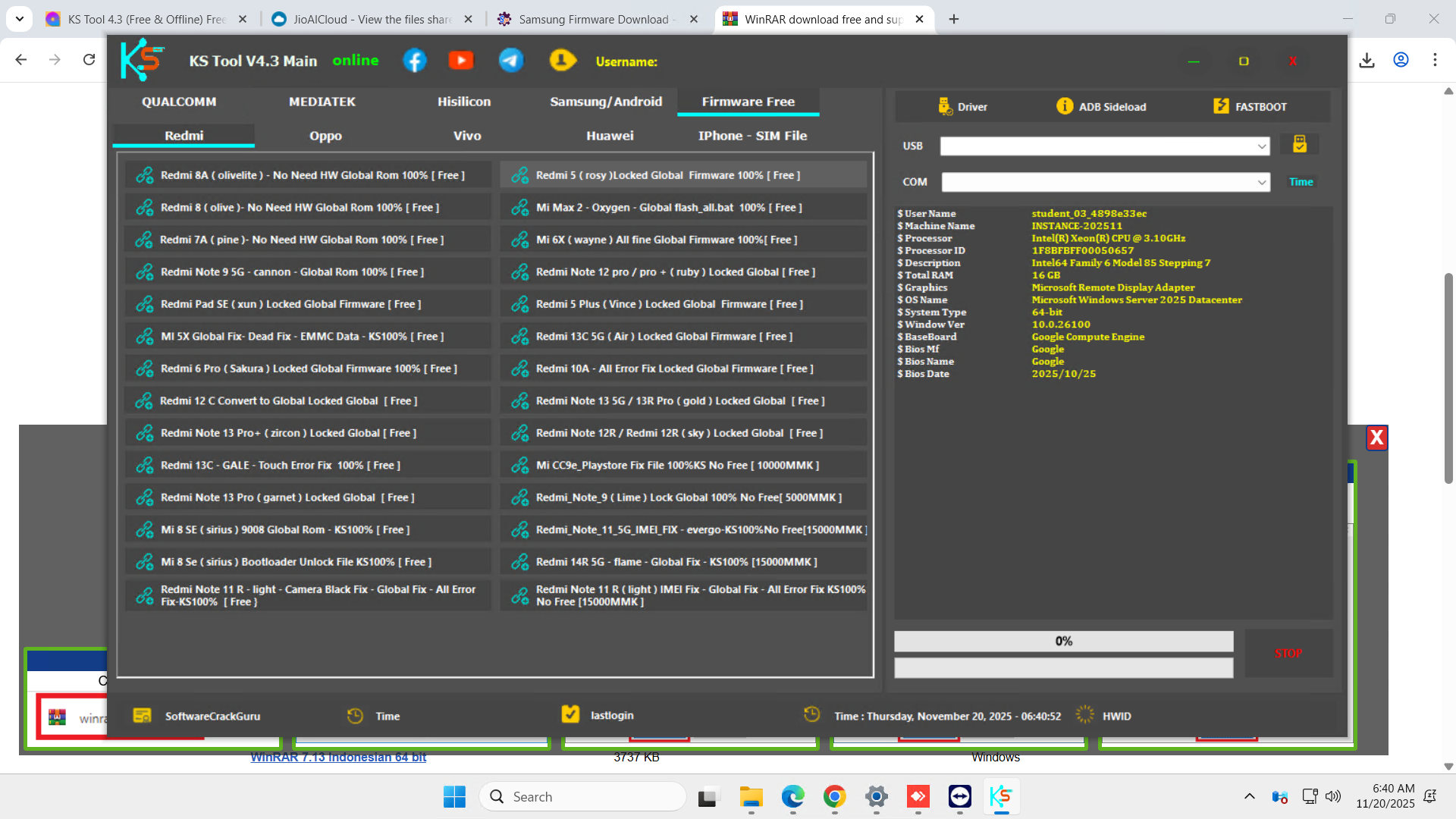
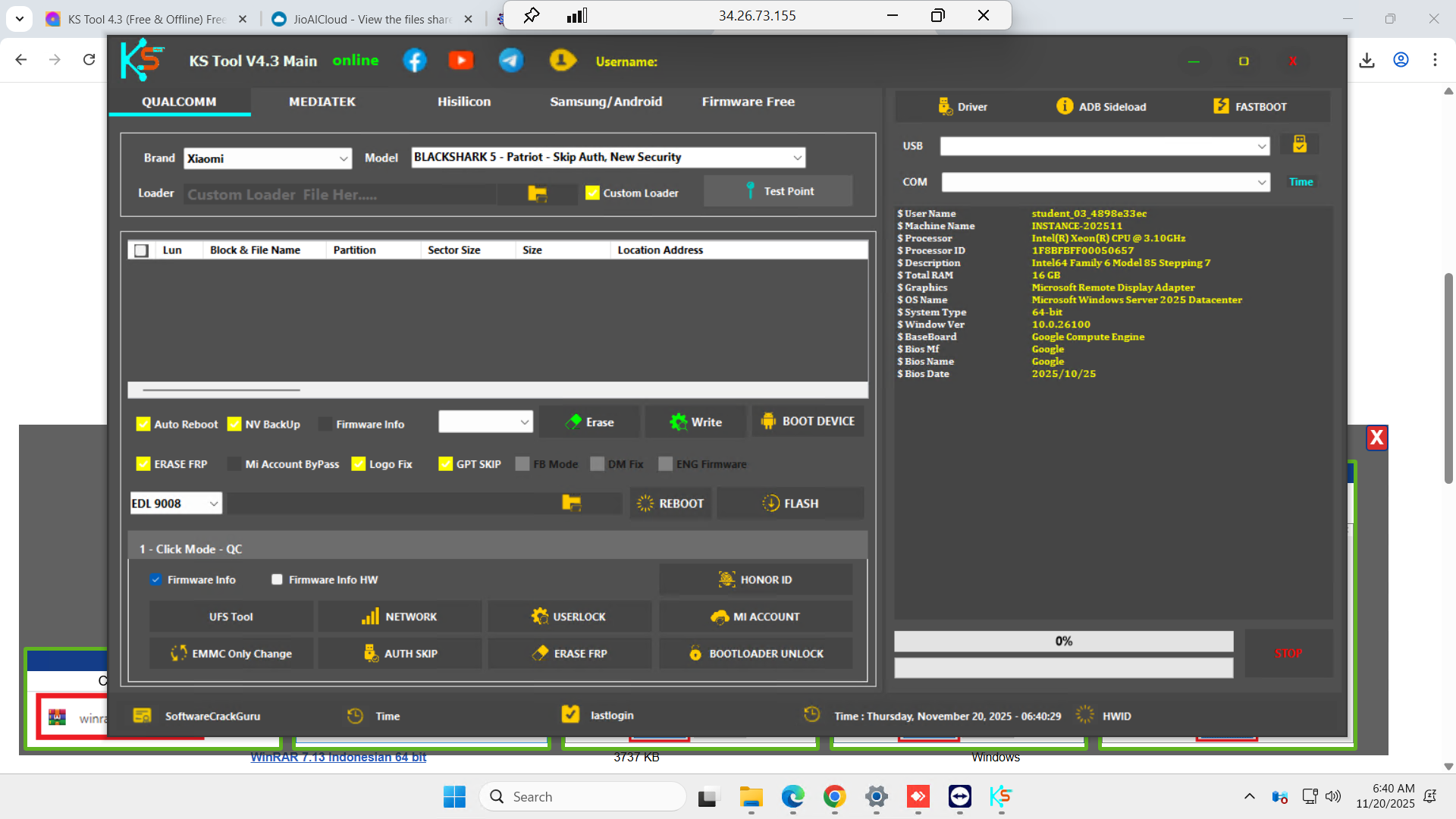
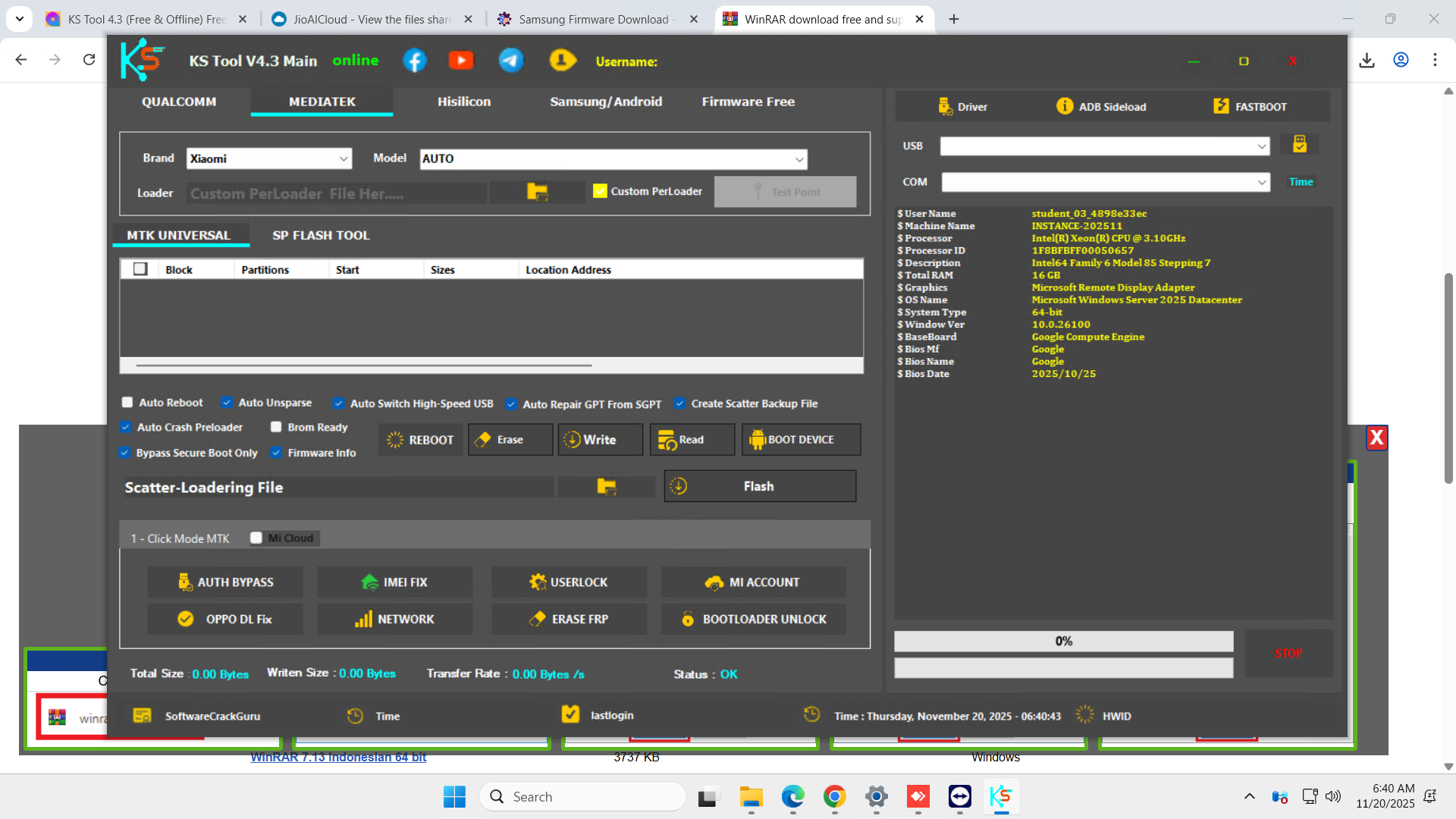
KS Tool 4.3 Free Download With Login (Officially Release) is the latest version of the popular all-in-one service tool for Qualcomm and MediaTek Android phones. In this new 4.3 build the developer has removed online checks, so you can use KS Tool 4.3 completely free, offline, with login already bypassed. It supports new 5G devices and Android 15 and Android 16, which started rolling out globally from June 2025. (Android Developers)
This guide explains what KS Tool 4.3 does, how to install and use it safely in an offline environment, and why FRP and other locks exist in the first place. This helps you stay within the law and protect yourself and your customers.
NOTE ABOUT LEGAL USE
Factory Reset Protection (FRP), OEM account locks and bootloader security are anti-theft features added by Google and device makers to protect users’ data and devices. (Samsung)
You should only use KS Tool 4.3 on:
devices you personally own, or
devices where you have clear, written permission from the real owner.
Do not use KS Tool 4.3 to unlock stolen, found or blacklisted phones. Always follow the law in your country and the terms of each brand (Xiaomi, Vivo, Oppo, Huawei, Samsung and others).
WHAT IS KS TOOL 4.3 (OFFLINE AND FREE)
KS Tool 4.3 is a Windows based multi-brand service tool. It brings together FRP removal, factory reset, boot repair, firmware flashing, NV backup and other service functions for:
Qualcomm devices
MediaTek (MTK) devices
Fastboot mode
ADB and sideload mode
Samsung MTP and Download mode
The new 4.3 release is special because: (EveningBD.com)
It is free to use (no extra credits)
It does not require online login
It works completely offline if you set it up correctly
It is updated for many 5G models and for Android 15 and Android 16
Because Android 16 is now stable and shipping on Pixel and other major brands, having a tool that already supports Android 16 devices is very important for technicians. (Android Developers Blog)
IMPORTANT INSTALLATION AND OFFLINE USE
To avoid breaking KS Tool 4.3, follow these points carefully:
Uninstall any old KS Tool version from your PC
Restart your PC after uninstall
Install KS Tool 4.3 fresh
Disconnect your PC from the internet before you open the tool
Use KS Tool strictly offline (no Wi-Fi, no LAN)
If you forget and keep internet on, the tool may auto-update or contact the original server. That can block some functions or make the offline login bypass stop working.
Also make sure you have proper drivers installed. For Qualcomm based phones you often need the Qualcomm HS-USB QDLoader 9008 driver so your device is recognized in EDL mode. (Qualcomm HS-USB QDLoader 9008 Driver)
MAIN FEATURE SET OF KS TOOL 4.3
Qualcomm features
On Qualcomm devices, KS Tool 4.3 supports:
Erase FRP (Google lock)
Format / Factory Reset (screen lock remove)
Disable Mi Account (only with proof of ownership)
Unlock bootloader
Erase Huawei ID on supported models
Flash firmware using rawprogram0.xml based packages
Read, write and erase individual partitions
Backup, restore and erase NV (network data)
Reboot from Fastboot into EDL
