

Download KG MDM / IT Admin Fix Tool v1.4.4
Ready to fix MDM, KG locks, FRP, CSC and more? Click here to download.
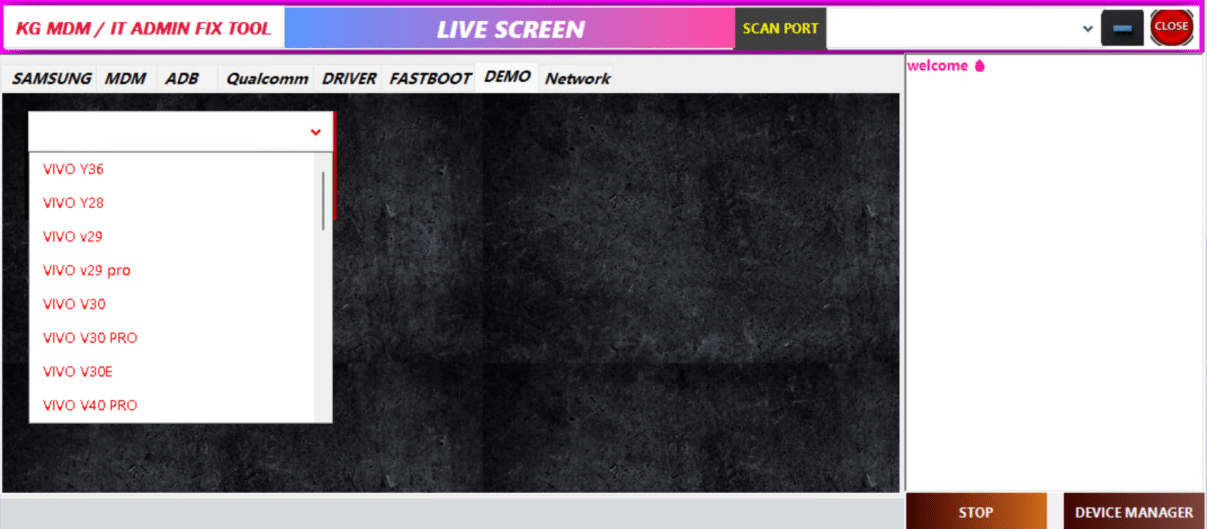
🔐 Features at a Glance
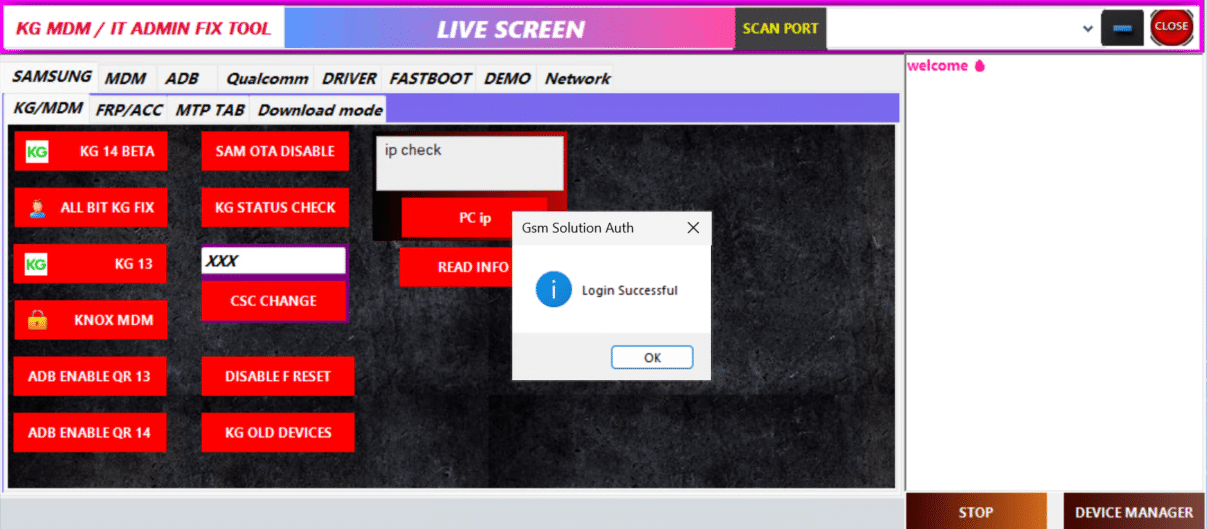
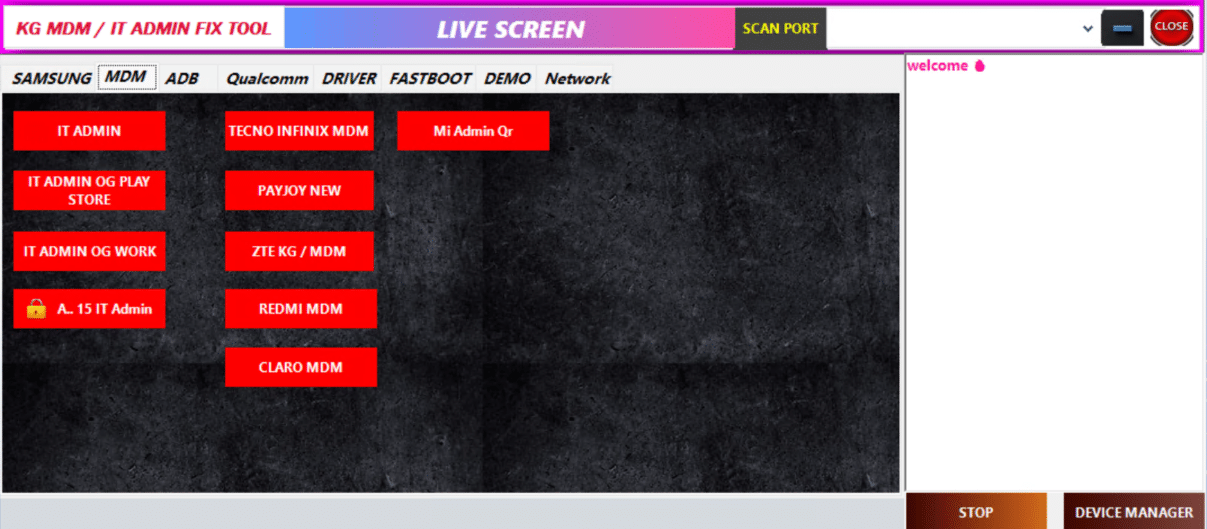
KG / MDM Unlock – Bypass corporate locks on Samsung, Vivo, Tecno, Redmi, ZTE.
IT Admin Removal – Remove admin restrictions preventing factory reset or app installs.
FRP & Factory Reset – Clean and reinstall secure FRP blocks.
CSC Change – Change region or firmware codes easily.
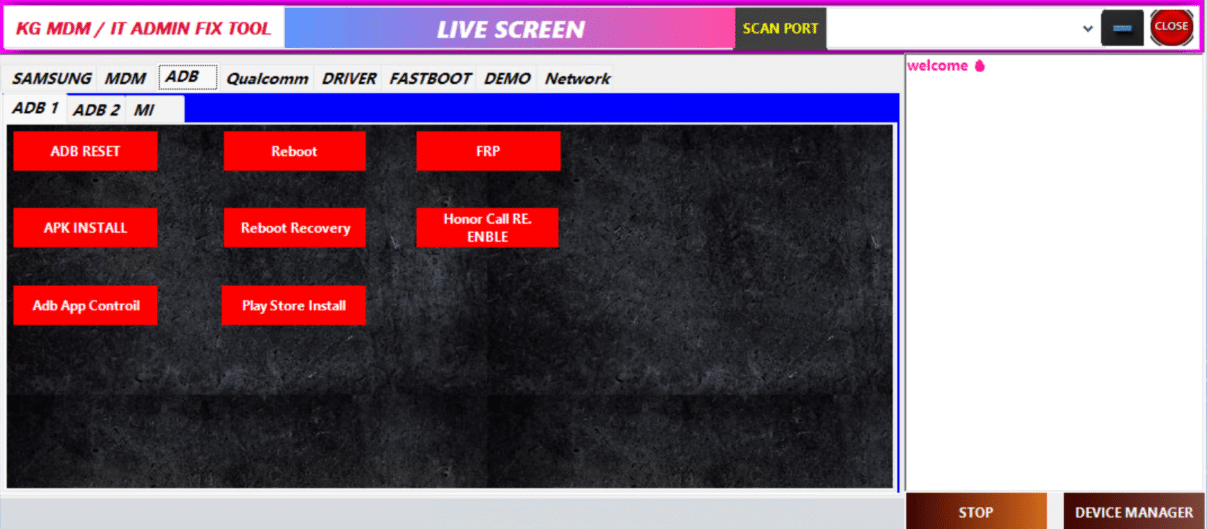
ADB Toolkit – Install APK, reboot into recovery, re-enable Play Store.
Brand Modules – Vivo, Tecno, Mi, ZTE-specific tools included.
Pixel Network – New in v1.4.4: network management tab.
Live Logging & Port Scan – Real-time feedback and smart port detection.
💡 Quick Start Guide
Run the downloaded `kg-mdm-fix-tool-v1-4-4.exe` as Administrator.
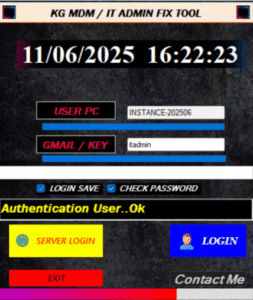
Log in using your server/Gmail‑Key credentials—look for the “Login Successful” popup.
Click “SCAN PORT” to detect your ADB or Fastboot-connected device.
Select your desired module under MDM, ADB, or Network tabs.
E.g., click “Tecno Infinix MDM” or “Pixel Network”.
Monitor the operation in the live log panel. Tool reboots device when complete.
Use ADB tab to verify removal or reinstall Play Store.
✅ Why Use Version 1.4.4?
⚙️ Broad Android 15+ support—handles new security patches and patches KG bypass issues.
🔧 Powerful new modules—including Pixel Network and more brand-specific options.
🛡 One-stop solution: MDM, KG, FRP, factory reset, CSC—all in one GUI.
📈 Real-time logs and port detection make troubleshooting easy.
