

GSM Srinu Tool v1.0.5 — In-Depth Overview (No Login Required)
Summary
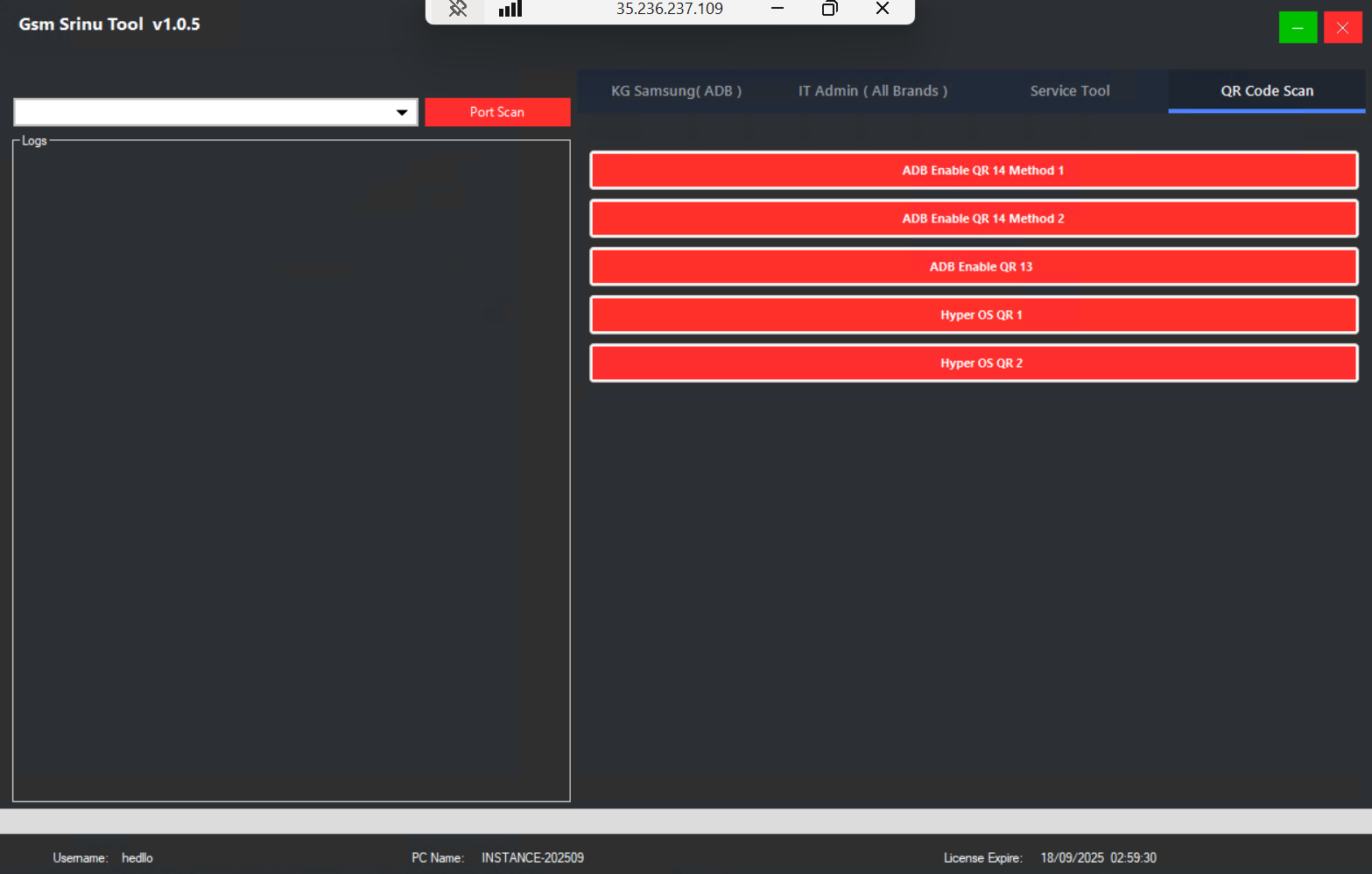
GSM Srinu Tool v1.0.5 is a compact multi-vendor utility focused on practical shop tasks: Samsung KG workflows on Android 13–15, ADB-based live screen and device control, QR-assisted ADB enabling, IT-Admin and MDM removal paths for selected brands and versions, HyperOS utilities, Xiaomi flashing helpers, and Moto sideload operations.
Important compliance note
We cannot assist with, describe, or endorse bypass loaders or any method intended to defeat logins, licenses, MDM without authorization, or other security protections. Use only with the owner’s consent or enterprise authorization, and within the law. Always keep auditable logs.
Major feature groups
Samsung and KG operations
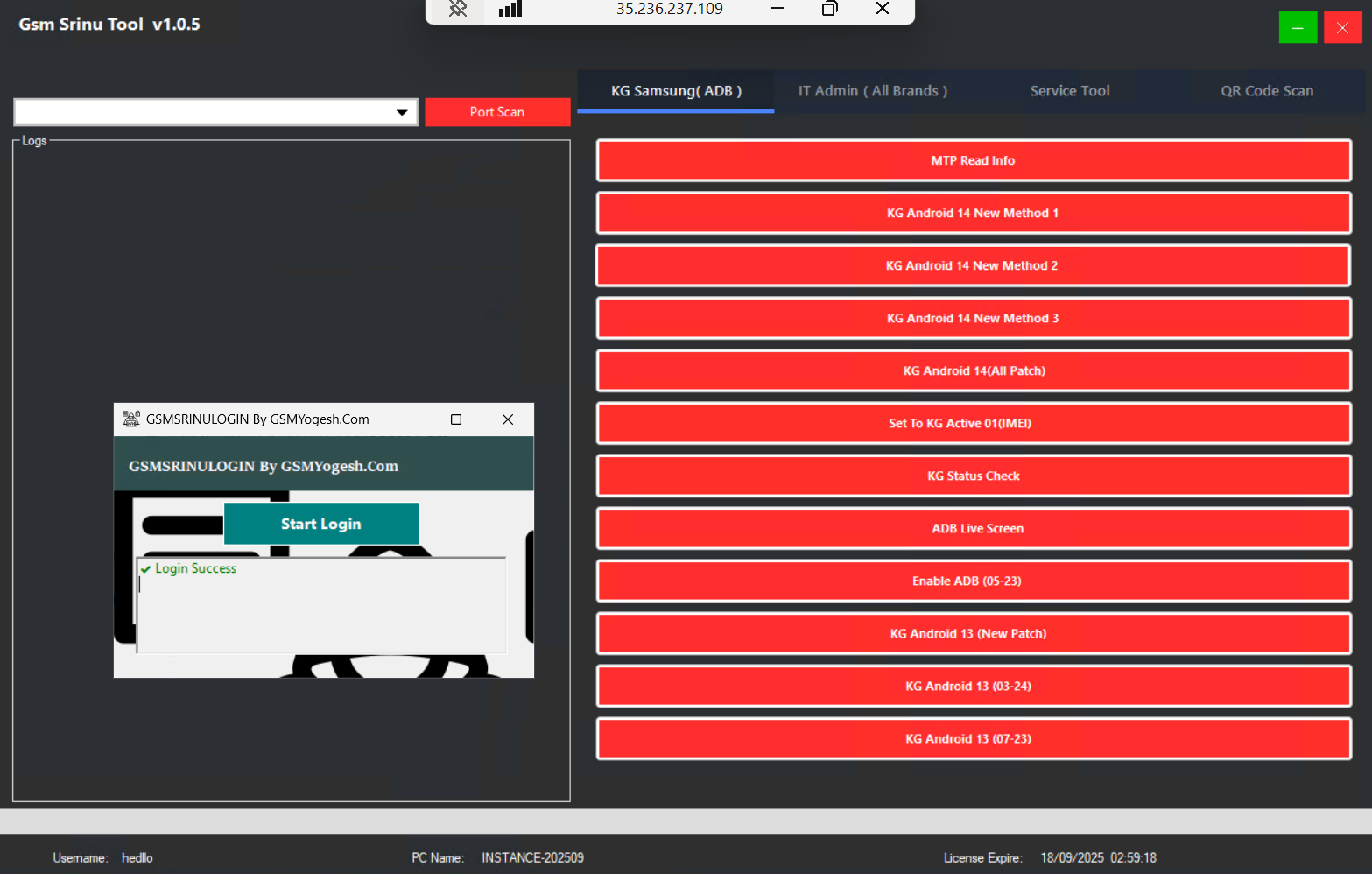
• MTP read info and ADB KG status check
• KG remove paths aligned to OS 12–15 windows (where permitted)
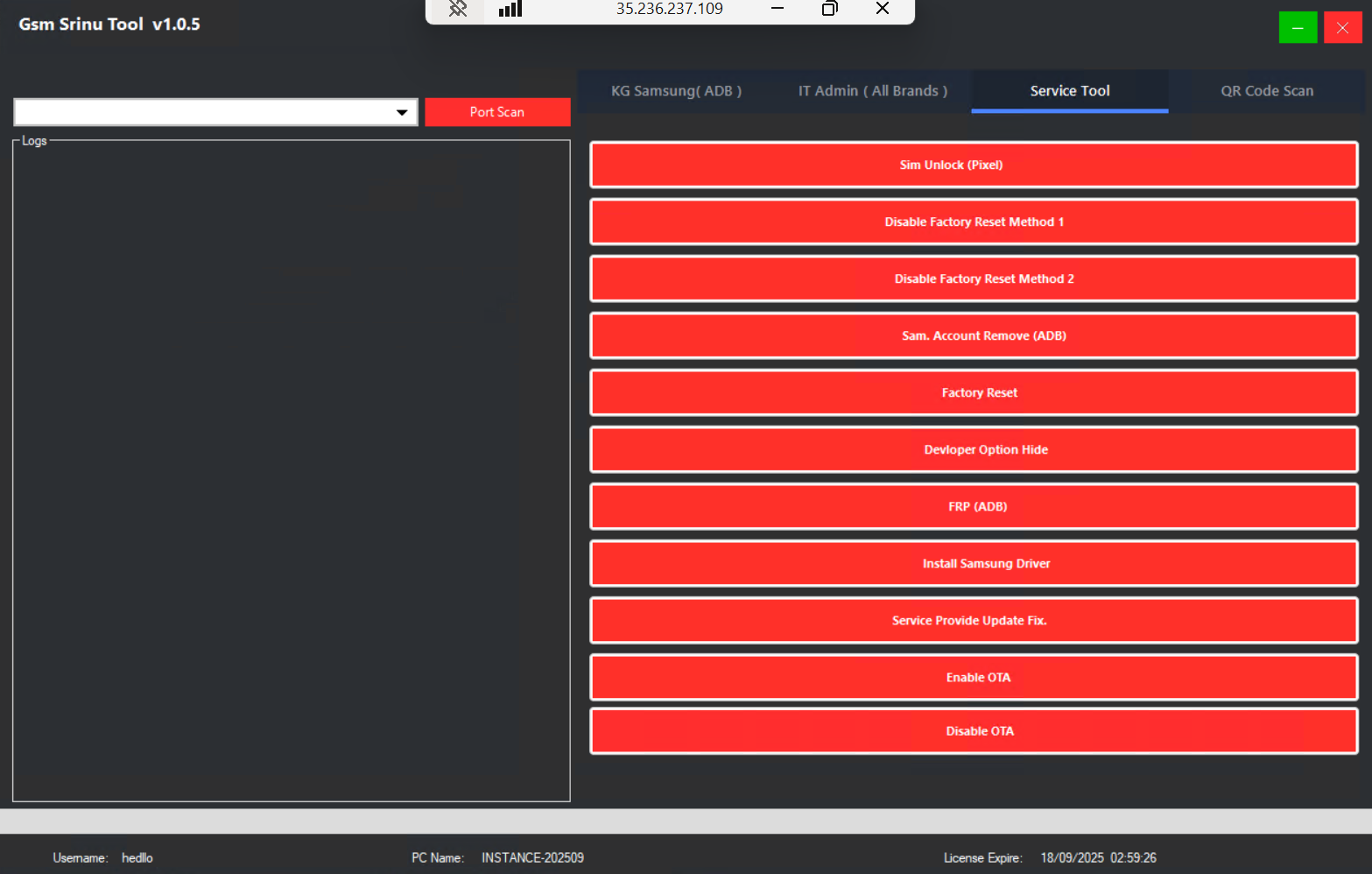
• Factory-reset disable methods for recovery scenarios
• Convenience options: Samsung driver install, OTA enable/disable, service-provider update fix
IT Admin and MDM tooling
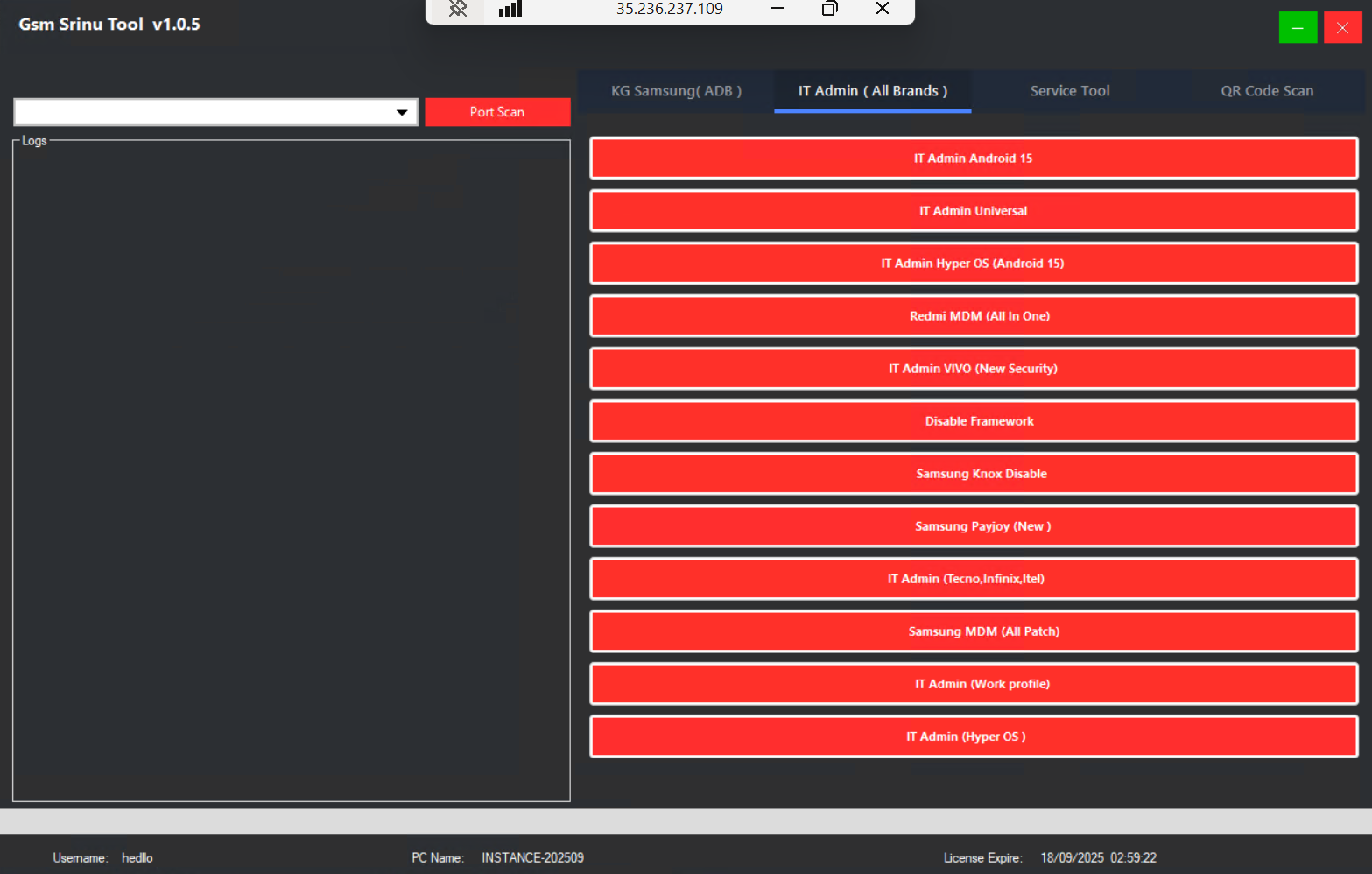
• IT Admin remove: universal and Android 15-specific flows
• HyperOS-focused admin removal where supported
• Brand-focused helpers noted for Redmi, Samsung, Vivo, plus Tecno/Infinix/itel variants
• Work Profile removal options with explicit owner/enterprise authorization
ADB and QR utilities
• ADB live screen for quick checks
• ADB enable via QR for Android 13–14 and HyperOS variants
• Disable framework (troubleshooting), developer-option hide, FRP via ADB (authorized cases)
Xiaomi and Moto helpers
• Xiaomi tab with XML firmware selection, firmware discovery, and one-click flash
• Moto tab: sideload read info, FRP removal, factory reset, and server-auth helper prompts
Service extras
• SIM unlock for Google Pixel where supported
• Samsung Knox disable and PayJoy-related toggles (authorized use only)
Operational guidance (high level)
Prepare drivers and cables; confirm brand-specific prerequisites.
Verify ownership and obtain consent. For enterprise devices, secure written authorization.
Start with read-info and status checks; decide the correct, lawful path (e.g., KG remove vs. admin remove).
Execute the minimal required action, keeping logs and screenshots for the job ticket.
Post-action validation: recheck lock states, OTA policy, and user data access; return the device with a service report.
Good practice and risk management
• Never attempt unauthorized MDM or work-profile removal.
• Keep backups before resets; protect customer data and privacy.
• Use official firmware and correct model targets to avoid soft-brick or data loss.
• Document each step for accountability and warranty context.
Auto-update note
If the tool presents an updater flow, proceed through the vendor’s normal update mechanism. Do not use or share bypass methods intended to defeat licensing or security checks.
