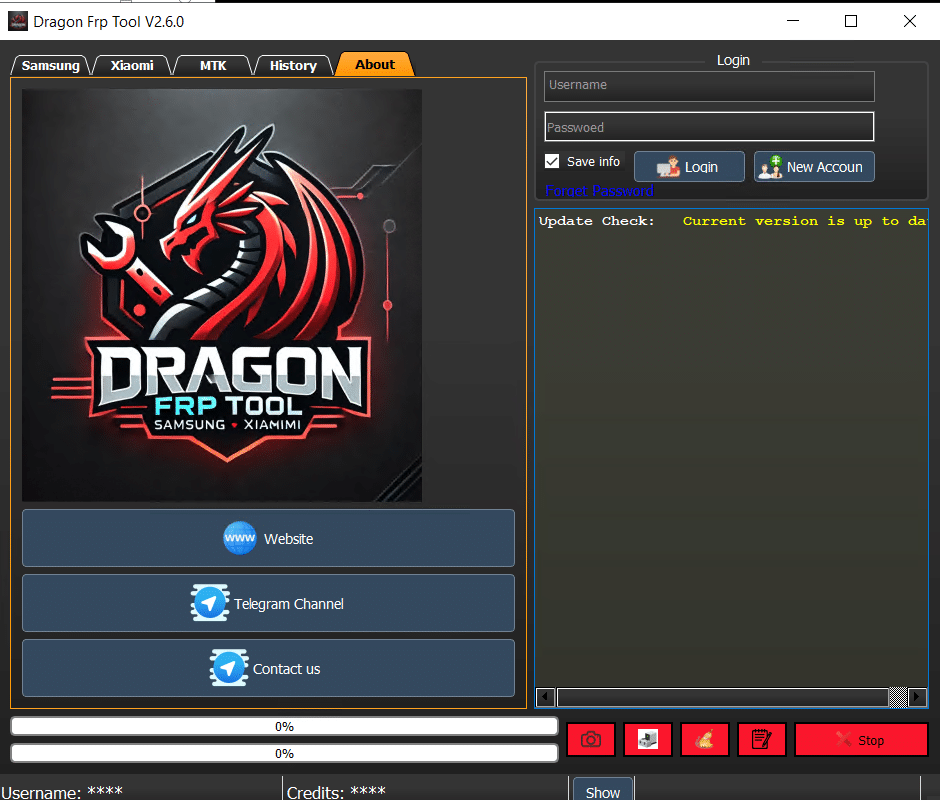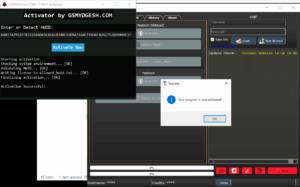
🔓 Dragon FRP Tool V2.6.0 – No Login Needed (IAASTeam Edition) – Patched
If you’ve ever been stuck trying to log in to Dragon FRP Tool just to get basic features, you’ll love this.
I’ve tested Dragon FRP Tool V2.6.0 myself and unlocked it so you can sign in with any username and password — no real account required.
You’ll still need credits for server-based operations, but most local functions are ready to go out of the box. This means you can start removing FRP, doing factory resets, and checking device info without the usual login barrier.
💬 As always, I’m sharing this to help our repair community — so drop your feedback in the comments. Let’s make it even better together.
🧰 Dragon FRP Tool V2.6.0 – Key Features
Tabbed Interface
Samsung | Xiaomi | MTK | History | About
Clean layout with user info panel, progress bars, and quick control buttons (Screenshot, Flash, Stop Process).
Samsung Tools
Read device info via MTP
FRP removal by IMEI, Serial Number, or USB Server
Service types: Normal Level 1, Level 3 KG Lock, and latest models (S25, A36, A26, A56
Xiaomi Tools
MI Assistant (Sideload): Read Info, Factory Reset
Fastboot: Read Info, Reboot to EDL
FRP + Factory Reset (coming soon
MTK Tools
Auth Preloader enabled by default
Force SW_CRYPT option
Brand auto-detect (Oppo, Vivo, Redmi, TCL, Samsung, Moto, Infinix, Honor, Custom)
FRP removal via Preloader or BROM
Version selection: AUTO_v5
🎉 What’s New in V2.6.0 (Big Eid Update)
✅ KG Locked Devices now supported via Server
📱 New Samsung models added (S25, A36, A26, A56)
🚀 Major MTK Preloader Mode upgrade – FREE for a limited time
🔒 No Bootloader Unlock needed
🛡 No Auth Required
⚡ Fast & Safe operations
Newly Supported Brands
Samsung V6
Vivo Latest SEC
Oppo Android 15
Realme
Moto PL Auth V5, V6
🎁 Special Eid Gift from IAASTeam
MTK Preloader Mode is FREE — grab it while it lasts!
🧑💻 How to Use (Step-by-Step)
Download the RAR file from a trusted source (IAASTeam link recommended).
Extract it to a safe location (e.g., Desktop or D:\Tools).
Run the loader as administrator.
Login with any username & password (no real credentials required).
Start using the enabled features right away.
Remember: Server-based functions still need credits.
Share your feedback in the comments — it helps improve future releases.
📌 Note: This version is for educational and professional use. Always ensure you have permission before working on a client’s device.
💬 Have you tried Dragon FRP Tool V2.6.0 yet? What’s your favorite feature? Let me know below.